


Skip to contentremove.bg closes on 1 December — switch in one minute, your API code included →
removingbackground.io

Remove background in Procreate

Procreate has no one-tap remover. Here's the selection method — and a shortcut.

or drop images here · paste with Ctrl+V · or

JPG, PNG, WebP or HEIC · up to 25 MB · up to 20 images

No image? Try one of these:

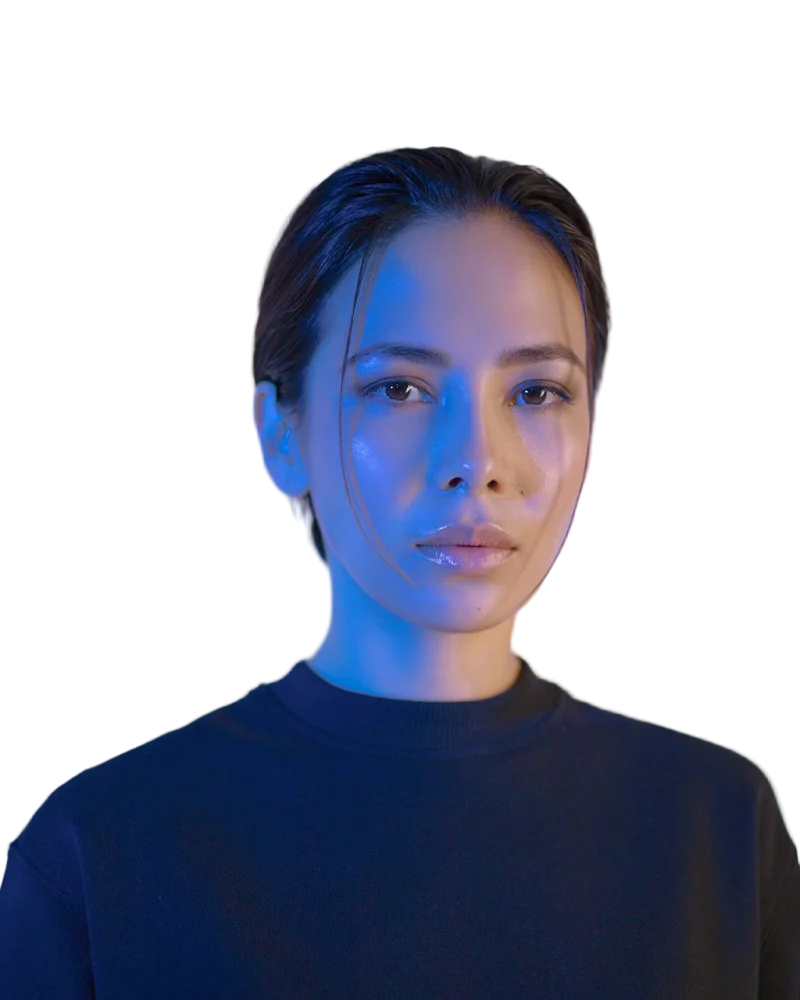
Headshot original
Headshot with background removed
OriginalRemoved

✓ Quick answer

How do I remove a background in Procreate?

Use the Selection tool in Automatic mode to tap the background (adjust the threshold by sliding), then clear it or invert and add a layer mask. Hide the Background colour layer and export as PNG via Actions → Share → PNG.

Remove a background in Procreate

  1. 01

    Select

    Selection tool → Automatic, tap the background and slide to adjust the threshold.

  2. 02

    Clear or mask

    Three-finger swipe → Cut, or invert and use a layer mask for non-destructive edits.

  3. 03

    Hide background

    Untick the Background colour layer in the Layers panel.

  4. 04

    Export PNG

    Actions → Share → PNG keeps transparency.

Best for illustrations

Automatic selection works well on flat colours. For photos with hair or busy backgrounds, it takes a lot of manual cleanup.

Shortcut for photos

Remove the background here in Safari on your iPad, save the PNG to Photos, then insert it into Procreate (Actions → Add → Insert a photo).

  • Works in iPad Safari
  • Transparent PNG
  • Import as a layer

Last updated November 14, 2026

Frequently asked questions

Still have questions? Contact us

Why does my exported PNG have a white background?

The Background colour layer was visible. Untick it before exporting.

Can I use the cut-out as a reference layer?

Yes — insert it as a layer and lower its opacity.

Is it free?

Yes. Downloads up to 800×800px are free with no watermark and no sign-up. Full resolution costs one credit; new accounts get 3 free.

More tools