



Skip to contentremove.bg closes on 1 December — switch in one minute, your API code included →
removingbackground.io

Remove background in GIMP

The free desktop way with GIMP — and a one-click alternative for when you're in a hurry.

or drop images here · paste with Ctrl+V · or

JPG, PNG, WebP or HEIC · up to 25 MB · up to 20 images

No image? Try one of these:

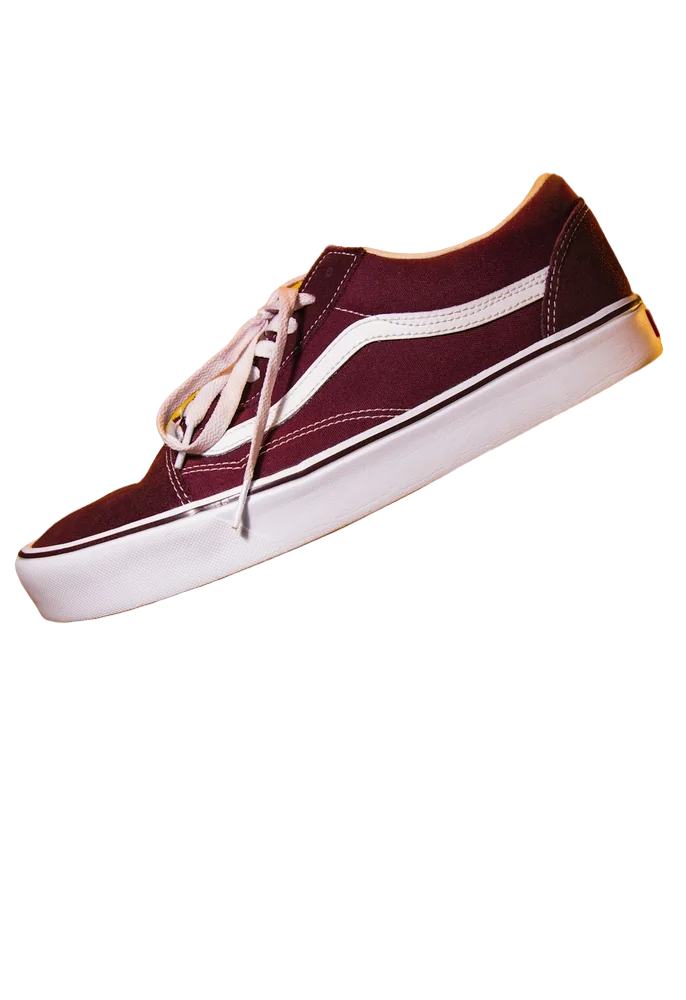
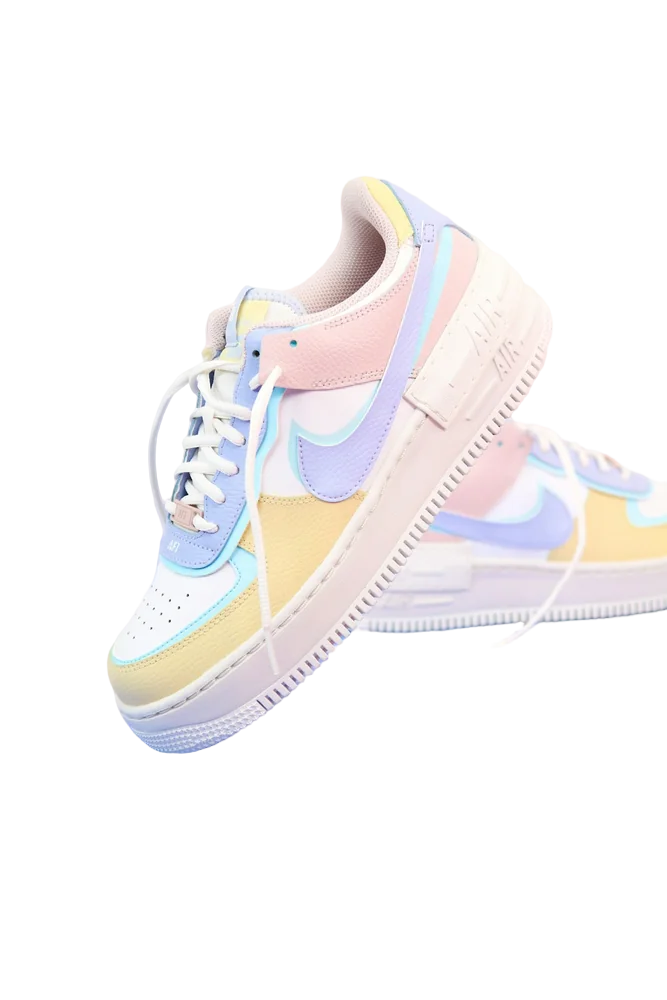
Shoe original
Shoe with background removed
OriginalRemoved

✓ Quick answer

How do I remove a background in GIMP?

Add an alpha channel (Layer → Transparency → Add Alpha Channel), select the background with the Fuzzy Select tool (or the subject with Foreground Select and invert), press Delete, and export as PNG with File → Export As.

Remove a background in GIMP

  1. 01

    Add alpha channel

    Layer → Transparency → Add Alpha Channel, so deleted areas become transparent.

  2. 02

    Select the background

    Use Fuzzy Select on plain backgrounds, or Foreground Select around the subject and invert.

  3. 03

    Delete

    Press Delete. Shift-click to add more areas; use Select → Feather to soften edges.

  4. 04

    Export PNG

    File → Export As, name it .png and export.

GIMP's limits

Fuzzy Select works well on flat backgrounds but struggles with hair and busy scenes; Foreground Select is better but takes time to paint. Expect a few minutes per image for good results.

One click instead

Upload above and the AI does the selection and edge refinement for you. You can still finish in GIMP — the PNG opens with transparency intact.

  • Handles hair automatically
  • No install
  • Free 800px PNG

Last updated November 14, 2026

Frequently asked questions

Still have questions? Contact us

Why do I get white instead of transparency in GIMP?

The layer has no alpha channel. Add one via Layer → Transparency → Add Alpha Channel.

Is GIMP free?

Yes, GIMP is free and open source.

Is it free?

Yes. Downloads up to 800×800px are free with no watermark and no sign-up. Full resolution costs one credit; new accounts get 3 free.

More tools