


Skip to content
removingbackground.io

Remove BG from image

Any image file, any subject — clean bg removal in a few seconds.

or drop images here · paste with Ctrl+V · or

JPG, PNG, WebP or HEIC · up to 25 MB · up to 20 images

No image? Try one of these:

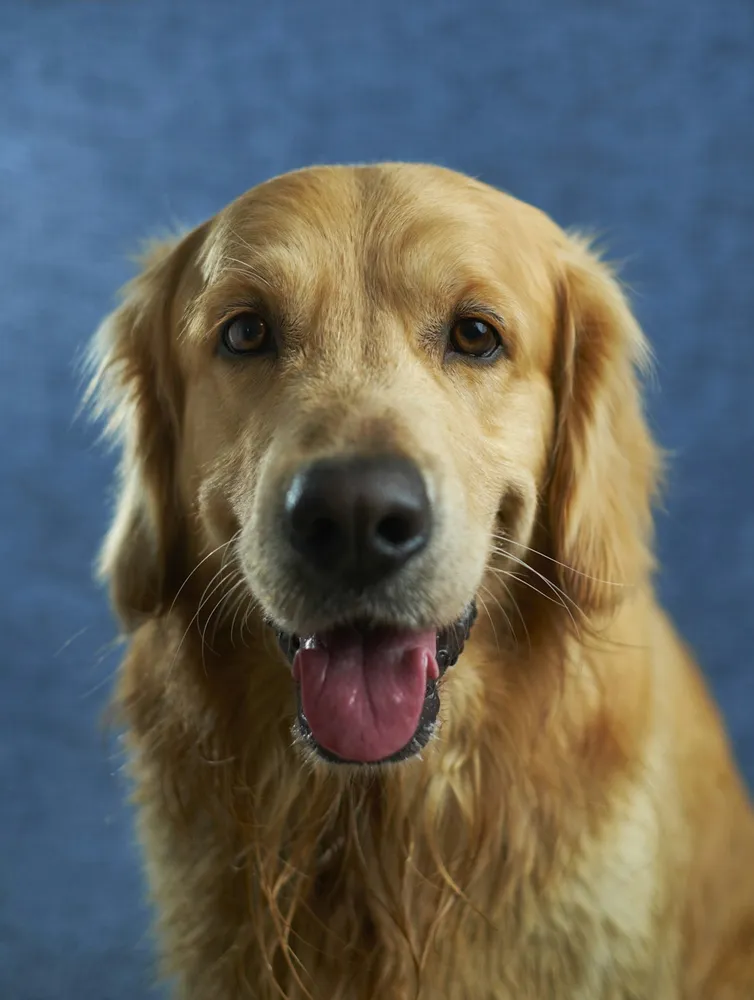
Golden retriever original
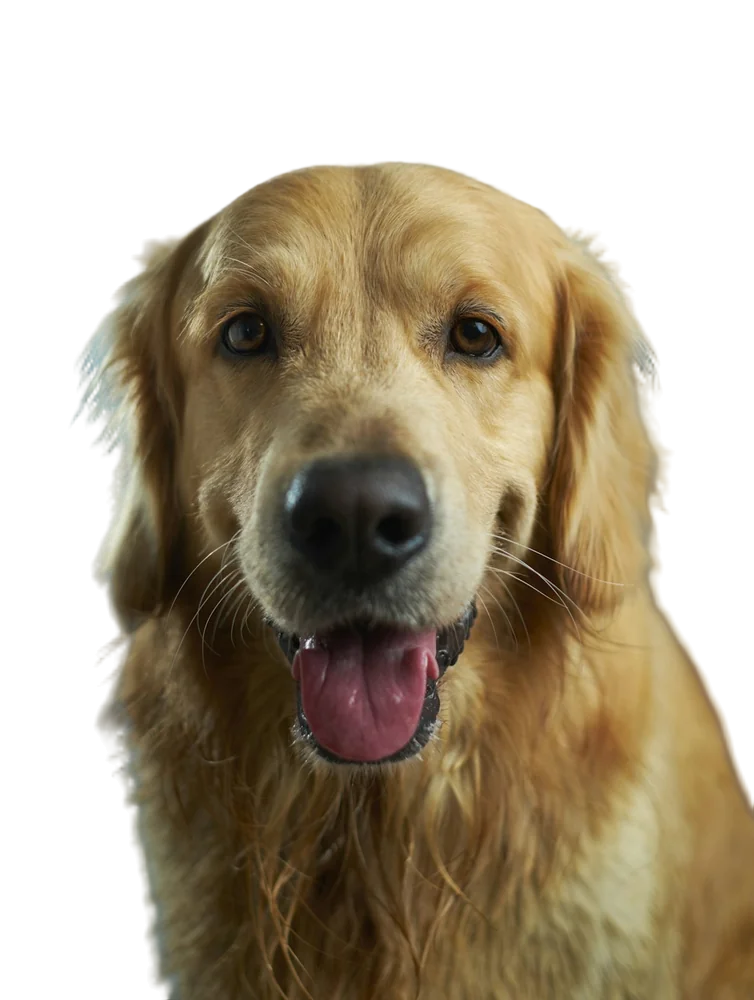
Golden retriever with background removed
OriginalRemoved

✓ Quick answer

How do I remove bg from an image file?

Upload the image file (JPG, PNG, WebP or HEIC) to RemovingBackground.io. The AI removes the bg and gives you a transparent PNG. You can download it free up to 600×600px, or in the original resolution for one credit.

How to remove BG from image

  1. 01

    Upload your image

    Drop a JPG, PNG, WebP or HEIC file into the uploader, paste it with Ctrl+V, or paste an image URL.

  2. 02

    AI removes the background

    Our segmentation model finds the subject and cuts it out with soft, hair-level edges in a few seconds.

  3. 03

    Download or edit

    Download a transparent PNG, or swap in a solid colour, a photo or a blurred background first.

Getting the best result from your image

Upload the original file whenever you can. Images that have been forwarded through messaging apps are often heavily compressed, which blurs the edges the AI relies on. If all you have is a small or blurry image, run it through the AI upscaler first, then remove the bg.

What happens to transparency in the original

If your image already has a transparent area, it's flattened onto white before processing and the new transparency is calculated from scratch. The output always has a clean, freshly computed alpha channel.

Last updated November 1, 2026

Frequently asked questions

Still have questions? Contact us

My image is blurry. Will removing the bg still work?

Usually yes, but edges are better if you upscale first with our AI image upscaler.

What's the largest file I can upload?

25 MB.

More tools