

Skip to content
removingbackground.io

Remove background from image

An image background remover that's fast, precise and free to try — no Photoshop, no manual masking.

or drop images here · paste with Ctrl+V · or

JPG, PNG, WebP or HEIC · up to 25 MB · up to 20 images

No image? Try one of these:

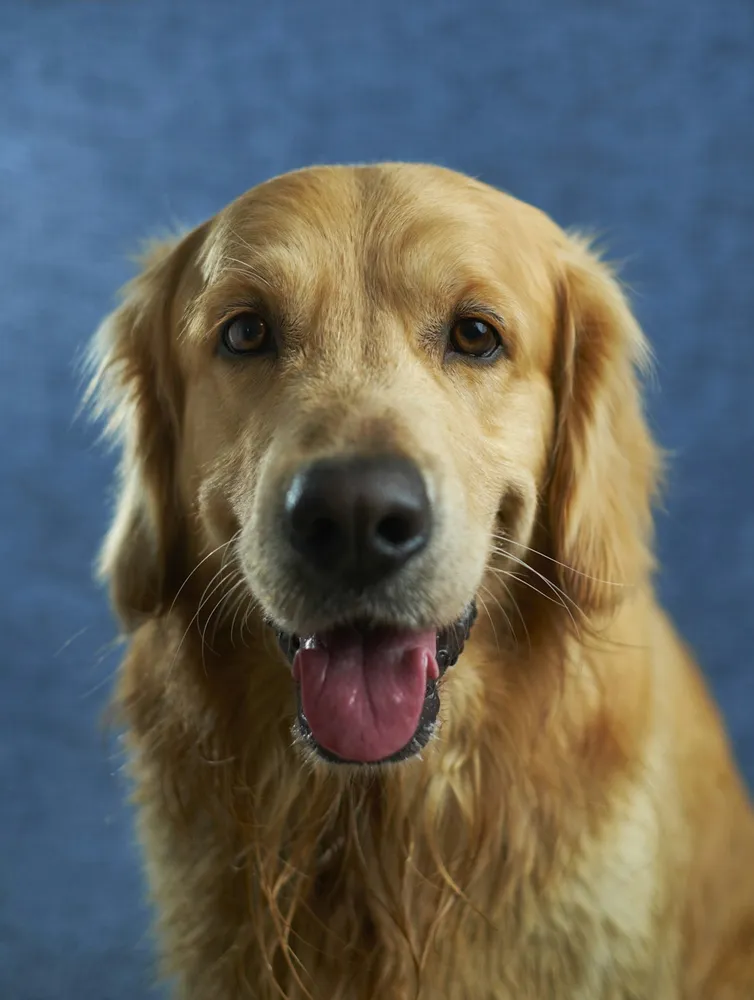
Golden retriever original
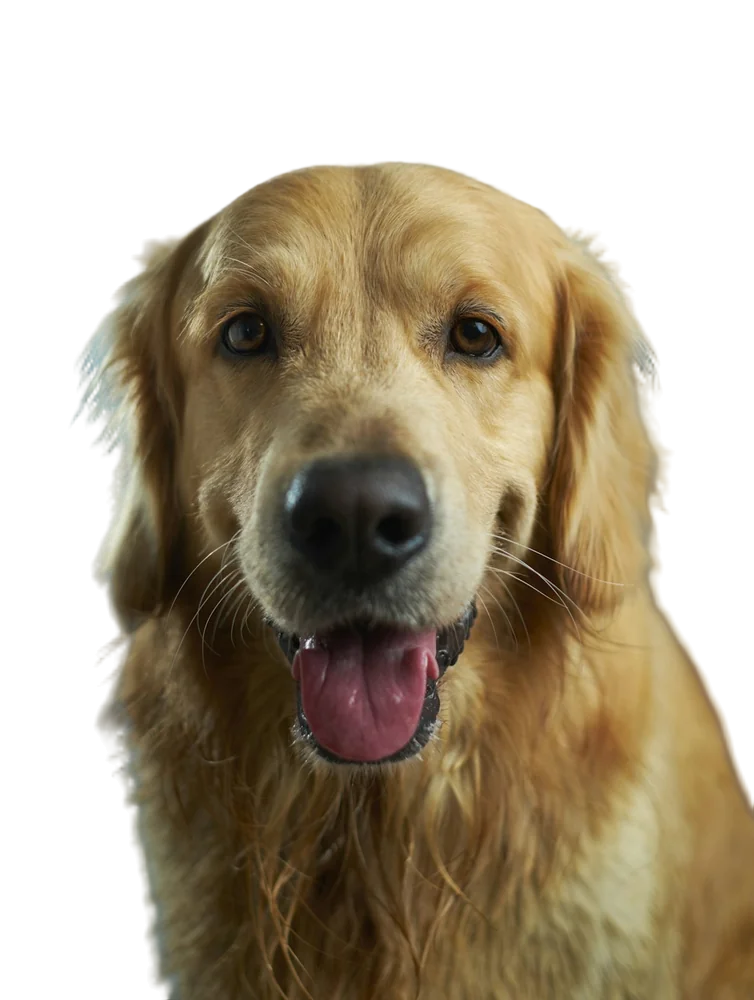
Golden retriever with background removed
OriginalRemoved

✓ Quick answer

What's the fastest way to remove the background from an image?

Use an AI image background remover. On RemovingBackground.io you upload the image and the background is gone in about 2–5 seconds, with no selection tools. Download a transparent PNG for free (up to 600×600px) or in full resolution for one credit.

How to remove background from image

  1. 01

    Upload your image

    Drop a JPG, PNG, WebP or HEIC file into the uploader, paste it with Ctrl+V, or paste an image URL.

  2. 02

    AI removes the background

    Our segmentation model finds the subject and cuts it out with soft, hair-level edges in a few seconds.

  3. 03

    Download or edit

    Download a transparent PNG, or swap in a solid colour, a photo or a blurred background first.

How the AI image background remover works

We use BiRefNet, a state-of-the-art bilateral reference network for high-resolution segmentation. It looks at the whole image and at fine local detail at the same time, which is why thin structures like hair, bicycle spokes and plant leaves survive.

After segmentation, the cut-out is refined at your image's full resolution and edge colours are cleaned, so the subject drops onto any new background without a halo.

Supported images

You can remove the background from almost any kind of image:

  • Photos (JPG, HEIC)
  • Screenshots and graphics (PNG)
  • Web images (WebP) — or paste an image URL
  • Images up to 25 MB and 36 megapixels

Last updated October 31, 2026

Frequently asked questions

Still have questions? Contact us

Can I remove the background from an image without Photoshop?

Yes. The AI does the masking for you in the browser; no software is needed.

Can I paste an image URL instead of uploading?

Yes. Click 'a URL' under the upload button and paste a link to a public image.

Is there a size limit?

Files up to 25 MB and 36 megapixels are supported.

More tools