




Skip to content
removingbackground.io

Background remover — free to use

A free background remover you can actually rely on, with quality that holds up next to paid tools.

or drop images here · paste with Ctrl+V · or

JPG, PNG, WebP or HEIC · up to 25 MB · up to 20 images

No image? Try one of these:

Headshot original
Headshot with background removed
OriginalRemoved

✓ Quick answer

Which background remover is free and has no watermark?

RemovingBackground.io is a free background remover with no watermark. Downloads up to 600×600px cost nothing and need no account. The editor, bulk upload and ZIP download are all included on the free tier.

How to background remover — free to use

  1. 01

    Upload your image

    Drop a JPG, PNG, WebP or HEIC file into the uploader, paste it with Ctrl+V, or paste an image URL.

  2. 02

    AI removes the background

    Our segmentation model finds the subject and cuts it out with soft, hair-level edges in a few seconds.

  3. 03

    Download or edit

    Download a transparent PNG, or swap in a solid colour, a photo or a blurred background first.

How we can offer it free

Running a large AI model isn't free for us — every image uses real computing time. We cover it with people who need full-resolution files: online stores, agencies and developers using the API. Their credits pay for the free tier, so free users get the same quality model rather than a watered-down one.

Compare it yourself

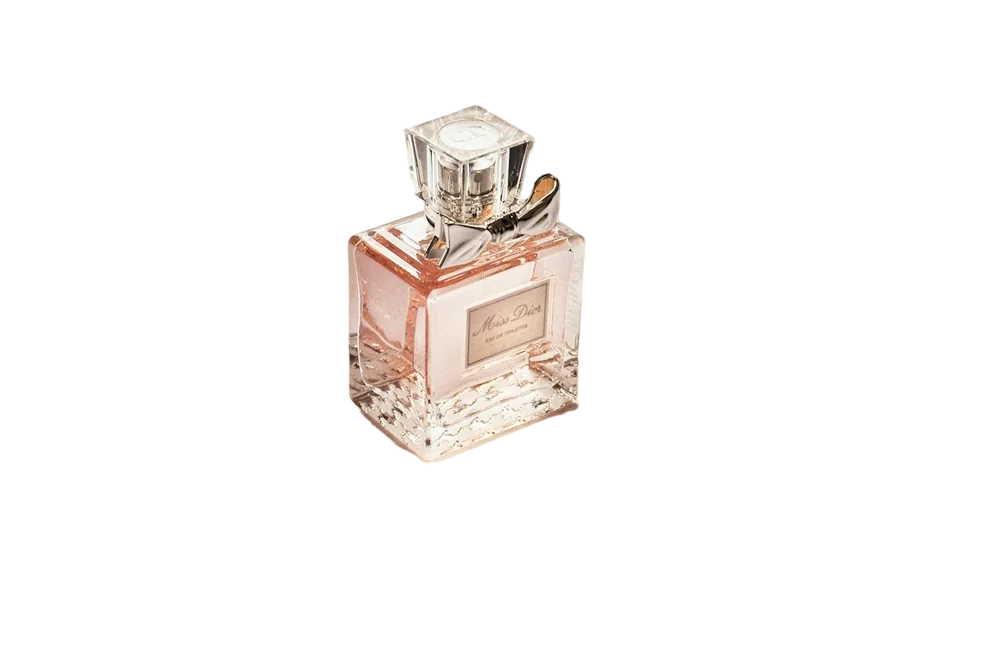
The fairest test is your own photo. Run the same tricky image — curly hair, a pet, a glass bottle — through a couple of background removers and put the results on a dark background. Halos and chopped edges show up immediately. We're happy to be compared that way.

Last updated November 1, 2026

Frequently asked questions

Still have questions? Contact us

Is the free background remover limited in features?

No. All editing features are free. Only the full-resolution download uses credits.

Do you add a logo or watermark?

Never.

More tools