

Skip to content
removingbackground.io

Image background remover

An image background remover that treats edges seriously — because that's where every cut-out is won or lost.

or drop images here · paste with Ctrl+V · or

JPG, PNG, WebP or HEIC · up to 25 MB · up to 20 images

No image? Try one of these:

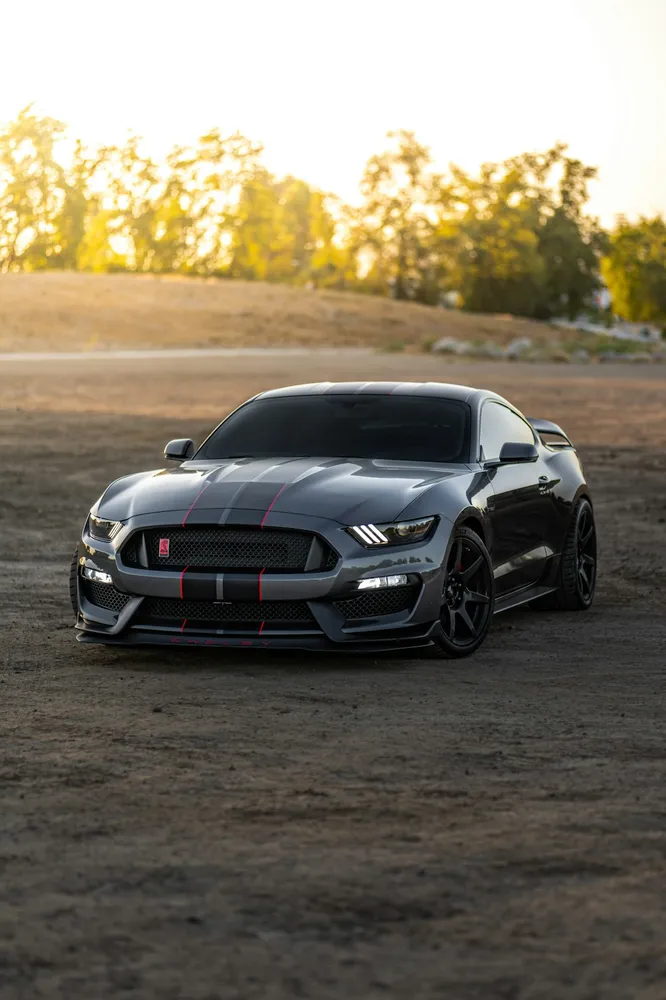
Sports car original
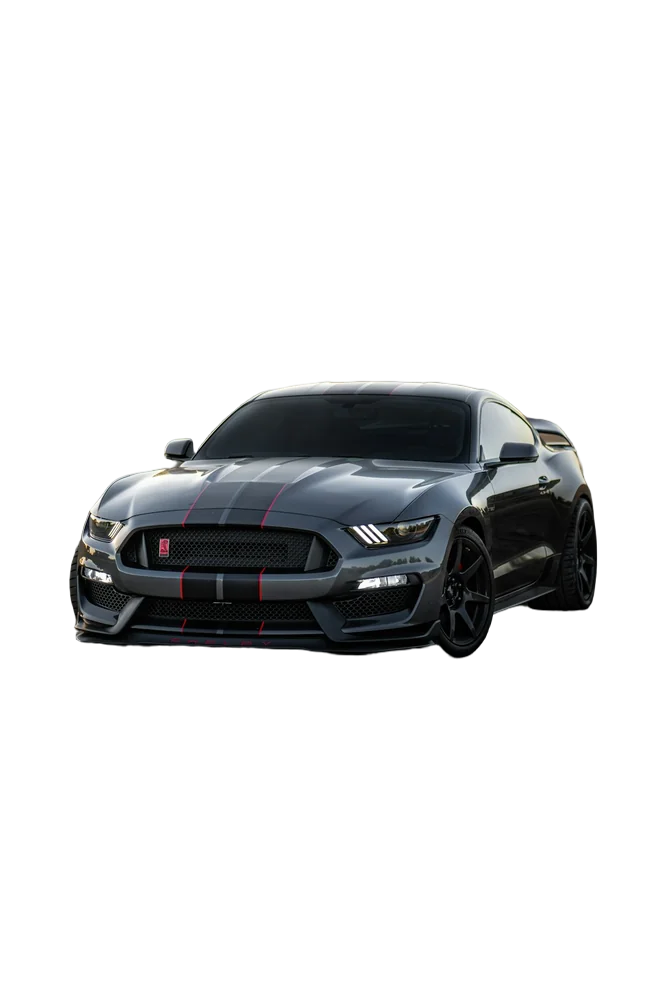
Sports car with background removed
OriginalRemoved

✓ Quick answer

How does an image background remover work?

An AI image background remover is trained on large sets of photos where the subject has been carefully masked by hand. It learns to predict, for every pixel, how much belongs to the foreground. The result is a soft mask that's applied to your image to leave the subject on a transparent background.

How to image background remover

  1. 01

    Upload your image

    Drop a JPG, PNG, WebP or HEIC file into the uploader, paste it with Ctrl+V, or paste an image URL.

  2. 02

    AI removes the background

    Our segmentation model finds the subject and cuts it out with soft, hair-level edges in a few seconds.

  3. 03

    Download or edit

    Download a transparent PNG, or swap in a solid colour, a photo or a blurred background first.

Edges are everything

Look closely at a cheap cut-out and you'll see the problems at the edges: a staircase outline, a pale halo, hair that looks like it was trimmed with scissors. We spend most of our processing time there — refining the mask at your image's full resolution and correcting the colour of every semi-transparent pixel.

The difference matters most when you place the cut-out on a background that's very different from the original. A person photographed against a green hedge and placed on white is the classic test.

Works on more than photos

The same image background remover handles:

  • Digital illustrations and character art
  • Scanned documents, stamps and signatures
  • Logos and icons saved as JPG
  • Screenshots of products or UI

Last updated November 1, 2026

Frequently asked questions

Still have questions? Contact us

Can the image background remover handle screenshots?

Yes. Paste a screenshot with Ctrl+V and it's processed like any other image.

Does it work with illustrations?

Yes, especially when the artwork has a clear outline against its background.

More tools