




Skip to content
removingbackground.io

Picture background remover

Pictures from your phone, your camera or the web — cut out cleanly and ready to reuse.

or drop images here · paste with Ctrl+V · or

JPG, PNG, WebP or HEIC · up to 25 MB · up to 20 images

No image? Try one of these:

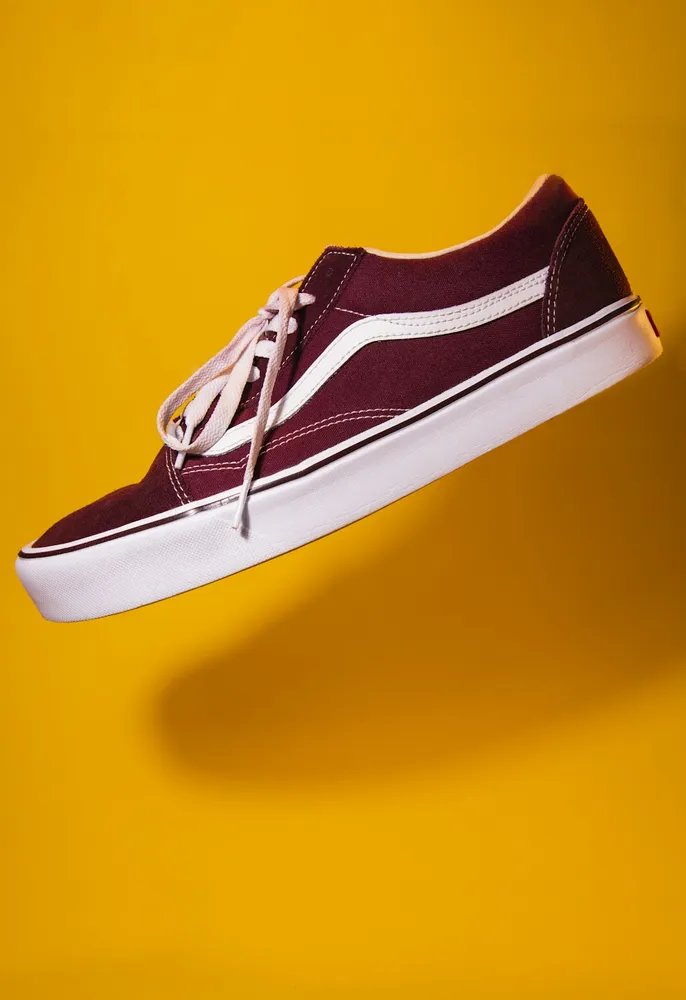
Shoe original
Shoe with background removed
OriginalRemoved

✓ Quick answer

How do I remove the background from a picture?

Upload the picture to RemovingBackground.io and the AI removes the background automatically. Use the slider to check the edges, choose a new background if you like, and download a PNG (transparent) or JPG (with your new background).

How to picture background remover

  1. 01

    Upload your image

    Drop a JPG, PNG, WebP or HEIC file into the uploader, paste it with Ctrl+V, or paste an image URL.

  2. 02

    AI removes the background

    Our segmentation model finds the subject and cuts it out with soft, hair-level edges in a few seconds.

  3. 03

    Download or edit

    Download a transparent PNG, or swap in a solid colour, a photo or a blurred background first.

Reusing pictures in new designs

Once a picture has no background, it becomes a building block. Drop a product into a seasonal banner, put a team member's photo on a branded colour, combine pets from different photos into one card. The cut-out does the hard part; any design tool can do the rest.

Old and scanned pictures

Scanned prints often have faded colours and dust. Background removal works best when the subject is reasonably clear, so for small or soft scans try the AI upscaler first. Then remove the background and place the subject on a clean colour — a nice way to refresh old family photos.

Last updated November 1, 2026

Frequently asked questions

Still have questions? Contact us

Can I remove the background from an old scanned picture?

Yes. For small or blurry scans, upscale first for better edges.

Can I put a new picture behind my subject?

Yes — use 'Upload a background photo' in the editor.

More tools