




Skip to contentremove.bg closes on 1 December — switch in one minute, your API code included →
removingbackground.io

Remove background on a Chromebook

No apps to install — remove backgrounds right in Chrome.

or drop images here · paste with Ctrl+V · or

JPG, PNG, WebP or HEIC · up to 25 MB · up to 20 images

No image? Try one of these:

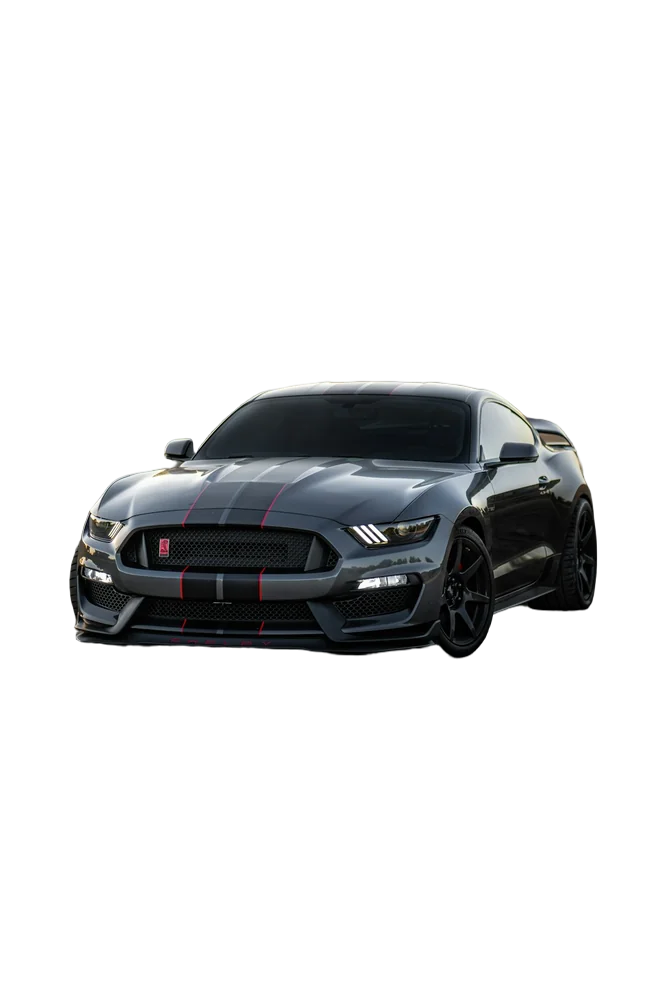
Sports car original
Sports car with background removed
OriginalRemoved

✓ Quick answer

How do I remove a background on a Chromebook?

Open this page in Chrome, upload the image from your Files app or Google Drive, and the background is removed in seconds. Download the PNG to your Downloads folder.

Remove a background on a Chromebook

  1. 01

    Open in Chrome

    Visit this page — nothing to install.

  2. 02

    Upload

    Choose a file from Files or drag it in; you can also paste with Ctrl+V.

  3. 03

    Download

    Save the transparent PNG to Downloads or Google Drive.

Great for school projects

Students on school Chromebooks can cut out images for slides and posters without installing software. Use it with Google Slides by inserting the downloaded PNG.

Low-power friendly

All the heavy AI work runs on our servers, so even entry-level Chromebooks handle it.

  • No install
  • Works with Google Slides
  • Fast on any Chromebook

Last updated November 14, 2026

Frequently asked questions

Still have questions? Contact us

Does it work on school-managed Chromebooks?

Usually yes, unless your school blocks the website.

Can I use it with Google Slides?

Yes, insert the PNG in Slides — it stays transparent.

Is it free?

Yes. Downloads up to 800×800px are free with no watermark and no sign-up. Full resolution costs one credit; new accounts get 3 free.

More tools