


Preview's Instant Alpha
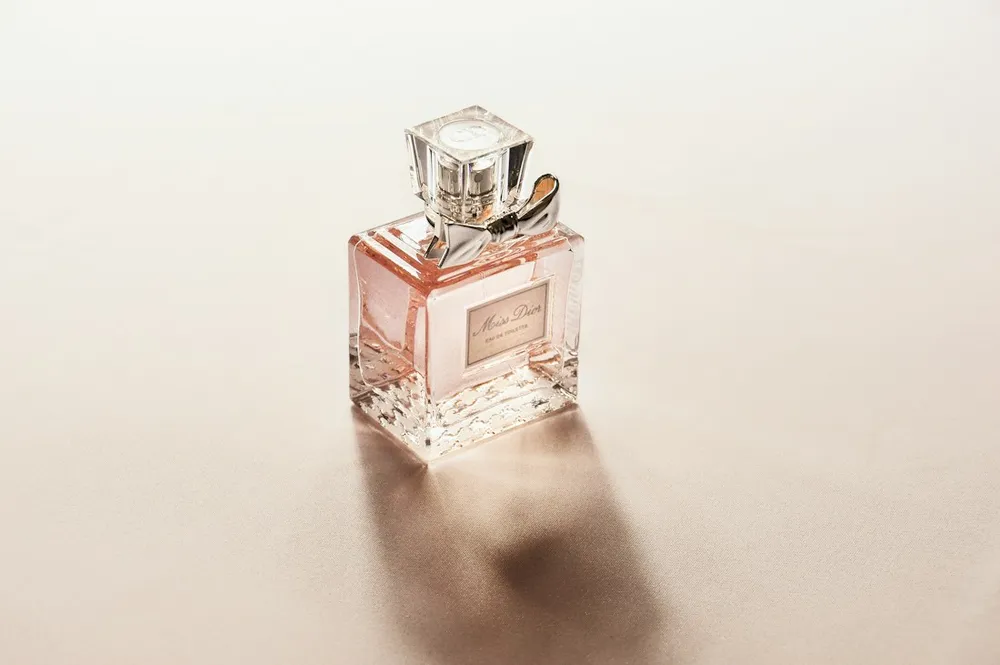
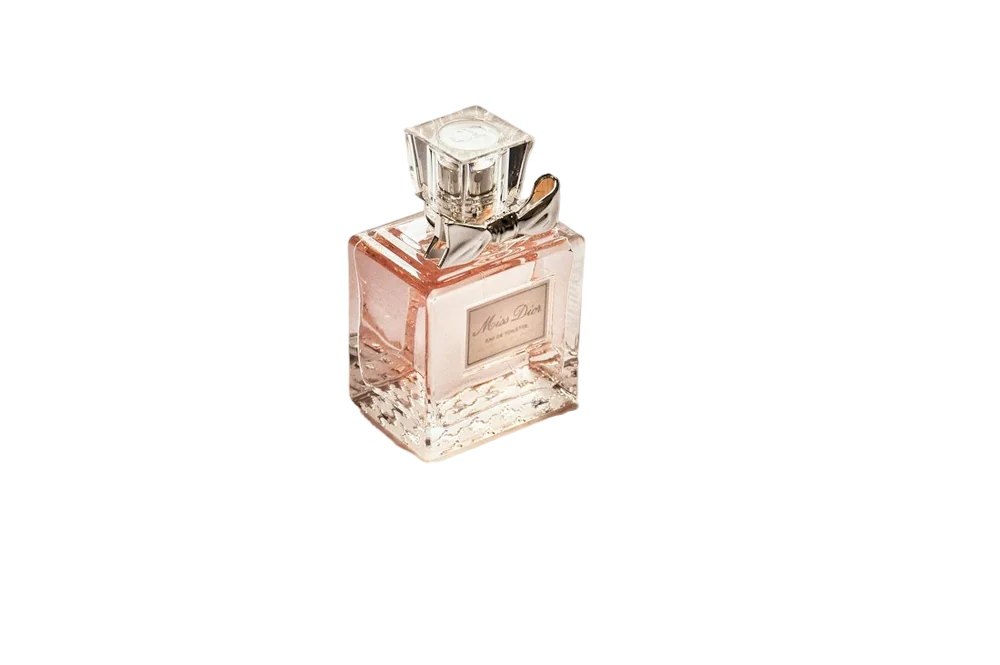
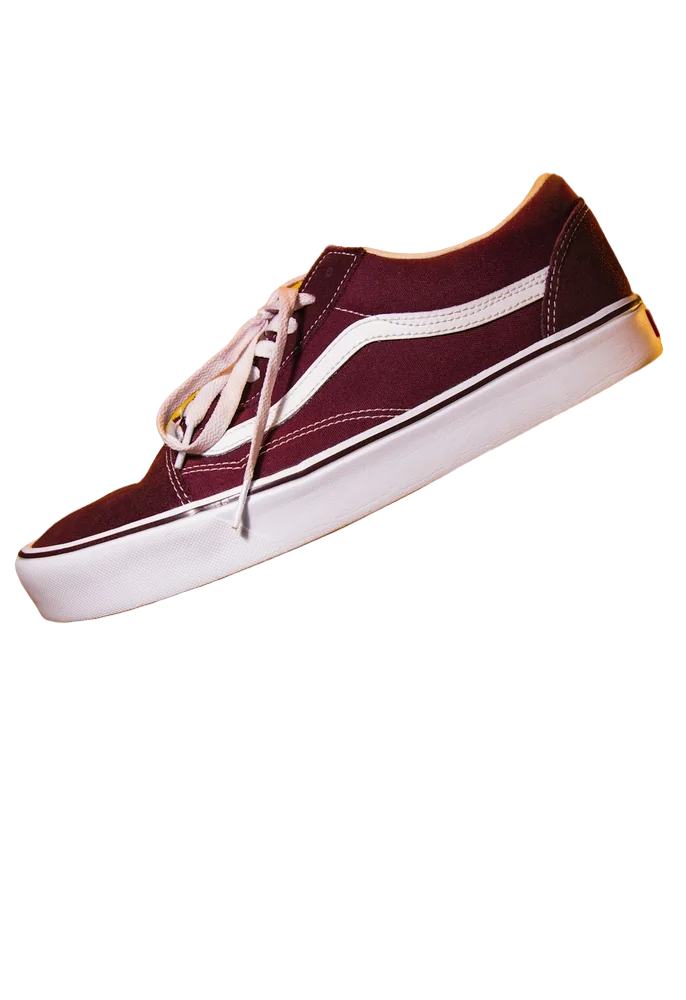
Open the image in Preview, show the Markup toolbar, choose Instant Alpha, then drag over the background colour and press Delete. It's colour-based, so it struggles with busy backgrounds and hair.
When to use an online remover
For product photos that need a white background and shadow, consistent batch edits, or HD output with refined hair edges, upload here instead.
- New background colours
- Batch of 20
- Resize presets
Last updated November 14, 2026