



Skip to contentremove.bg closes on 1 December — switch in one minute, your API code included →
removingbackground.io

Remove background in Photoshop

The Photoshop way, step by step — and a five-second alternative when you don't need the full app.

or drop images here · paste with Ctrl+V · or

JPG, PNG, WebP or HEIC · up to 25 MB · up to 20 images

No image? Try one of these:

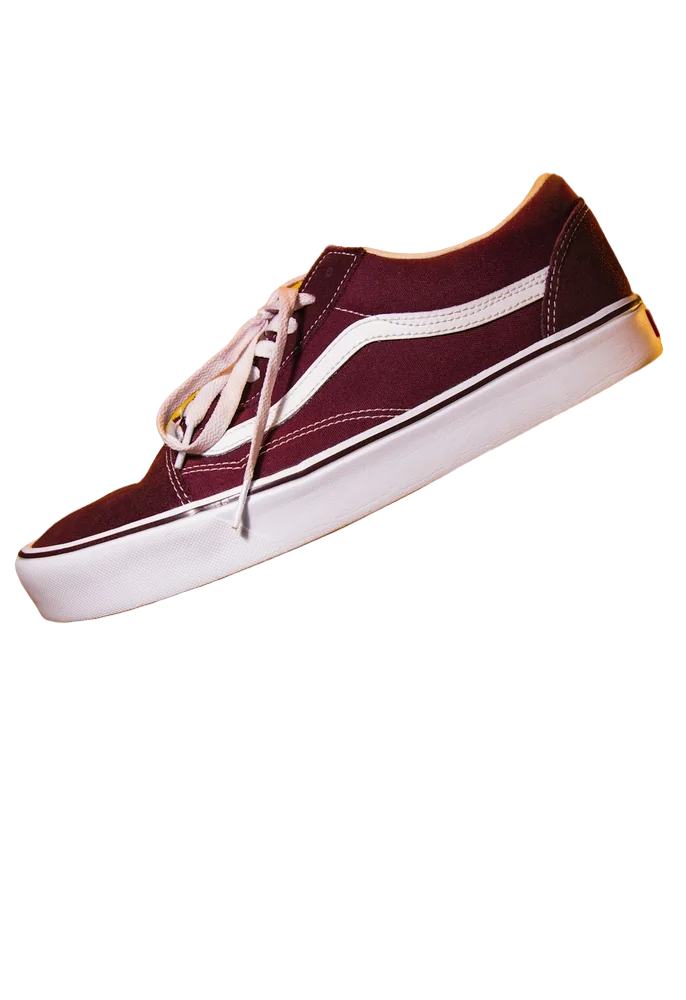
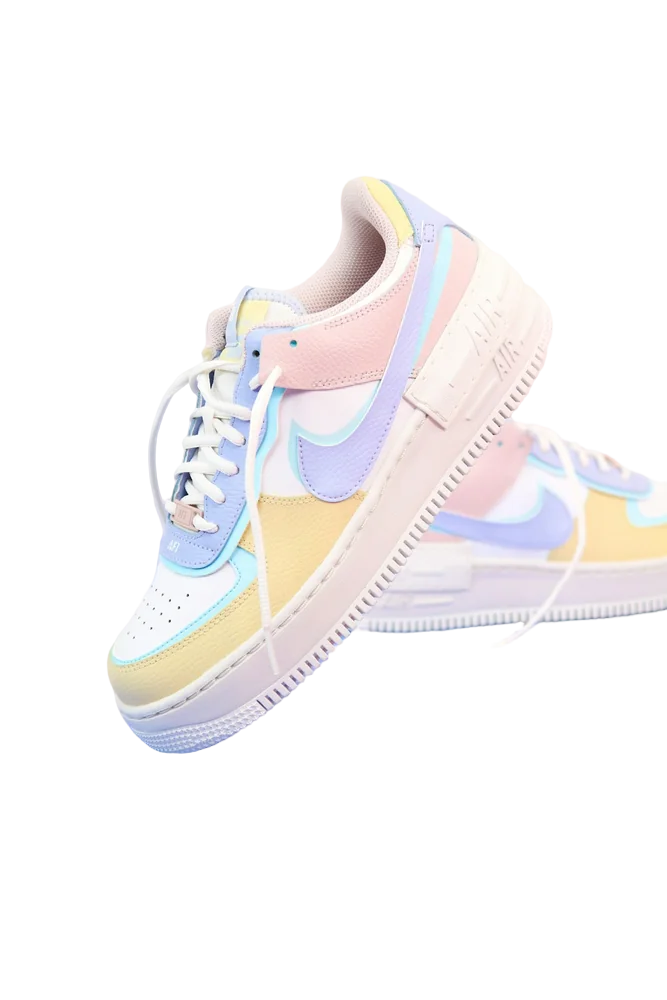
Shoe original
Shoe with background removed
OriginalRemoved

✓ Quick answer

How do I remove a background in Photoshop?

Open the image, open the Properties panel (Window → Properties) and click Remove Background under Quick Actions. Photoshop adds a layer mask hiding the background. Refine the edges with Select and Mask if needed, then File → Export → Quick Export as PNG.

Remove a background in Photoshop

  1. 01

    Unlock the layer

    Open the photo and click the lock on the Background layer so it becomes a normal layer.

  2. 02

    Remove Background

    Window → Properties, then Quick Actions → Remove Background. Photoshop adds a mask.

  3. 03

    Refine edges

    For hair, use Select → Select and Mask and the Refine Edge brush.

  4. 04

    Export PNG

    File → Export → Quick Export as PNG to keep transparency.

When Photoshop is worth it

If you're compositing many layers or doing detailed retouching, Photoshop is the right tool. For simply getting a cut-out — product photos, profile pictures, stickers — it's slower than an online remover and needs a subscription.

The faster way

Upload the image above: the background is removed in about five seconds with refined hair edges, and you can download a transparent PNG for free up to 800×800px or in full resolution with one credit. Bring the PNG into Photoshop if you still need to edit.

  • No subscription
  • Batch of 20 images
  • Works on any device

Last updated November 14, 2026

Frequently asked questions

Still have questions? Contact us

Which Photoshop versions have Remove Background?

The Quick Action has been available since Photoshop 2020 (version 21).

Why is my export not transparent?

JPG doesn't support transparency — export as PNG.

Is it free?

Yes. Downloads up to 800×800px are free with no watermark and no sign-up. Full resolution costs one credit; new accounts get 3 free.

More tools