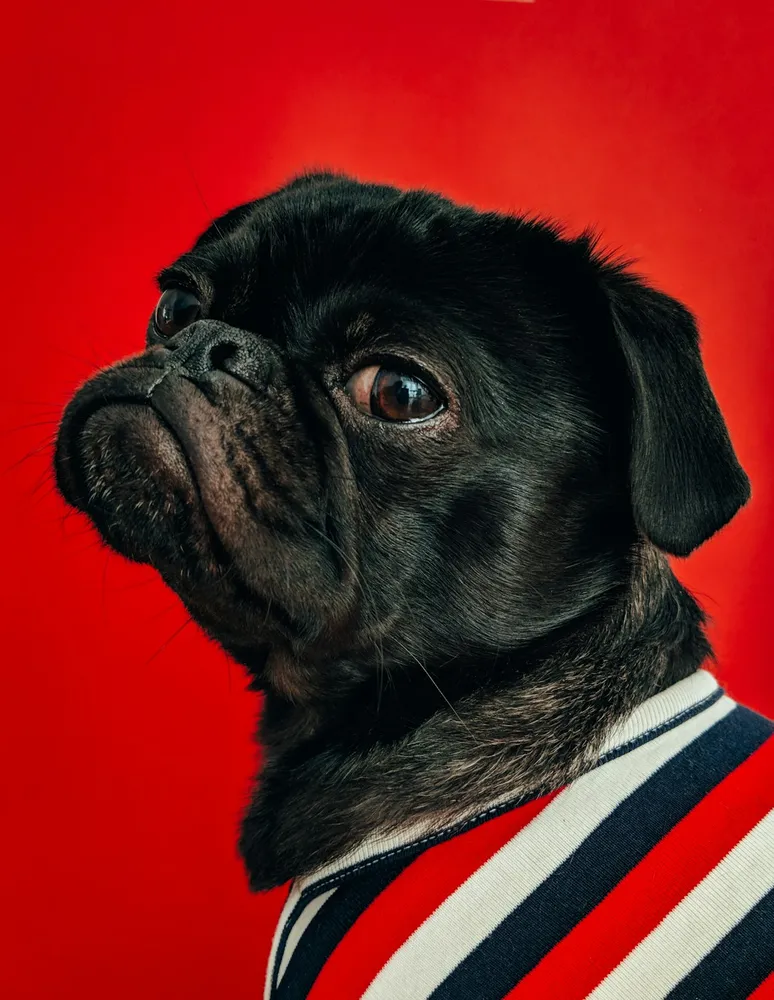
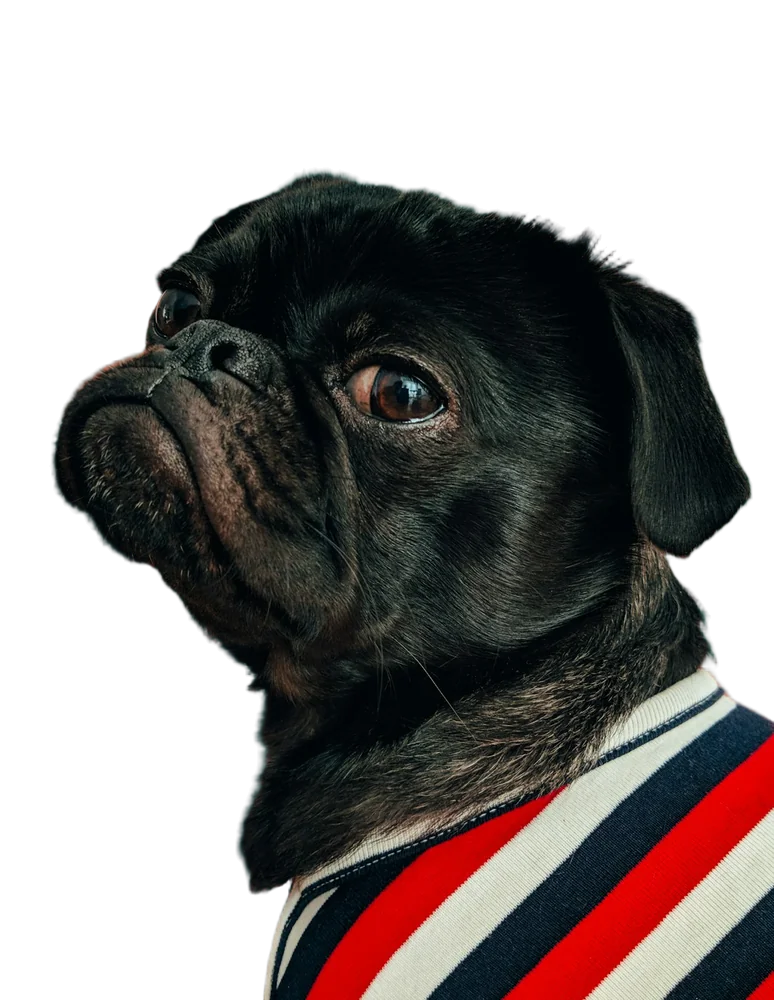

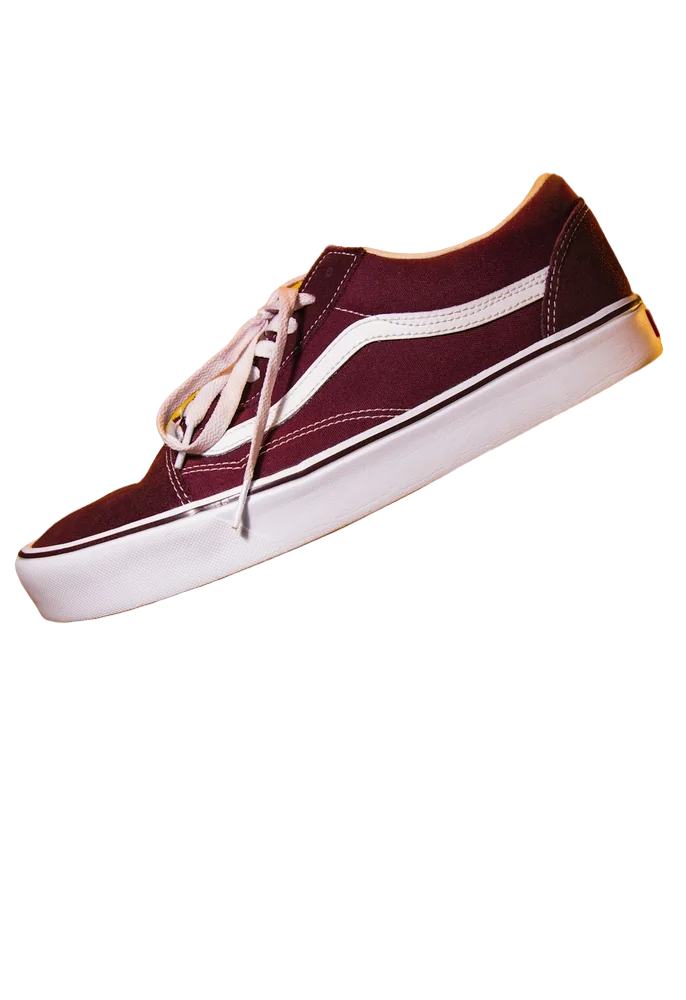
Using Canva's own BG Remover (paid)
Select the photo in your design, click Edit (or Edit photo) and choose BG Remover. It works on one image at a time inside the editor.
Why remove backgrounds outside Canva
It's free, you can process 20 images at once, and you get bigger files with the HD download — useful for print designs made in Canva.
- Free on Canva Free
- Batch processing
- HD for print
Last updated November 14, 2026