
Skip to contentremove.bg closes on 1 December — switch in one minute, your API code included →
removingbackground.io

Remove background from drawings

Photographed a sketch on paper? Get clean, transparent line art in seconds.

or drop images here · paste with Ctrl+V · or

JPG, PNG, WebP or HEIC · up to 25 MB · up to 20 images

No image? Try one of these:

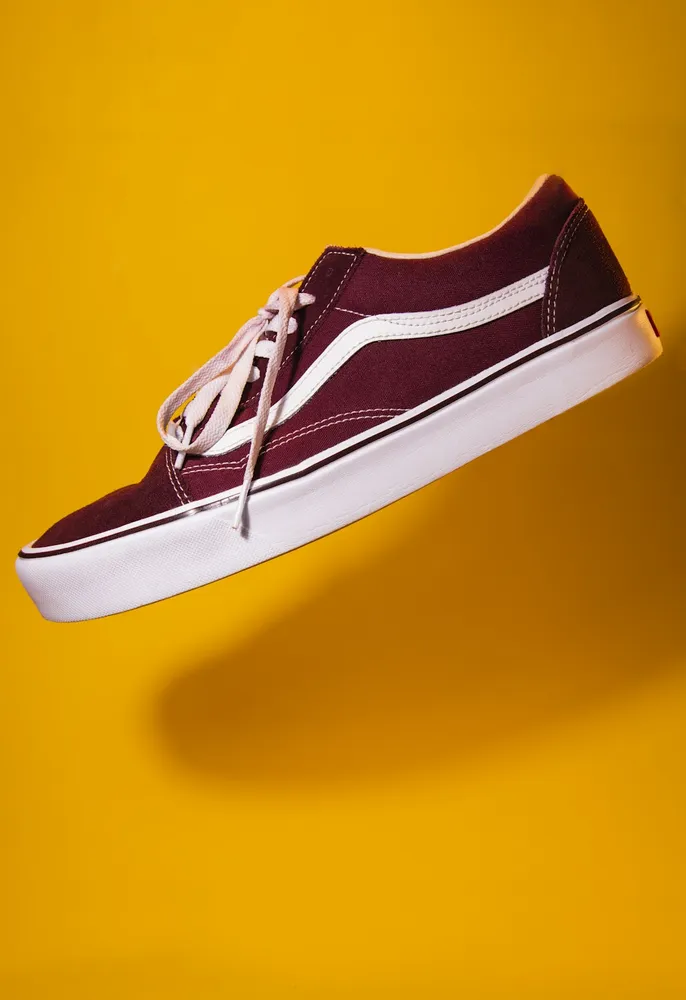
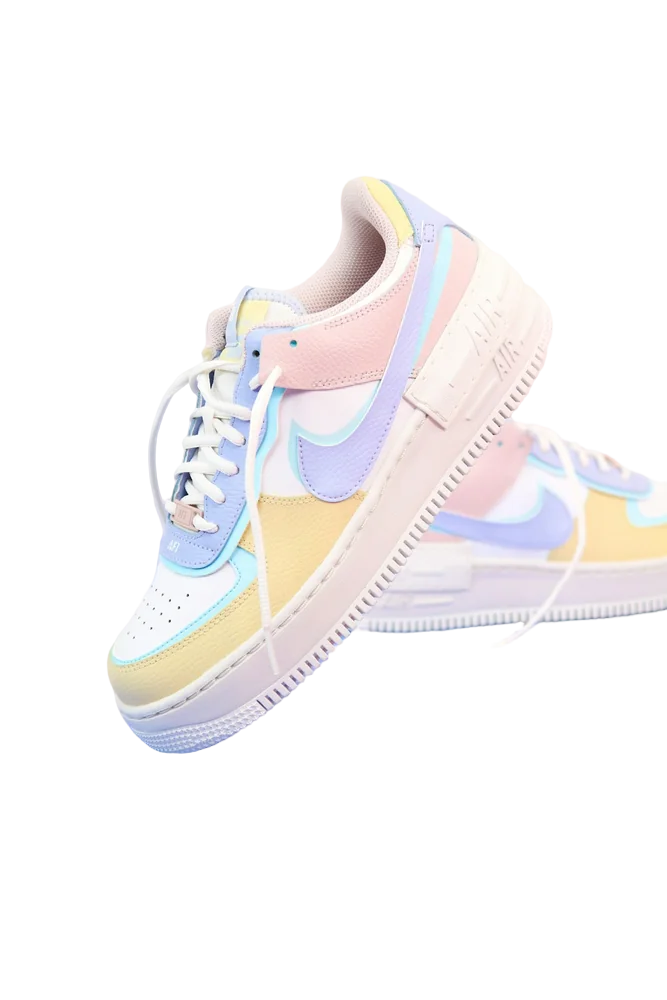
Shoe original
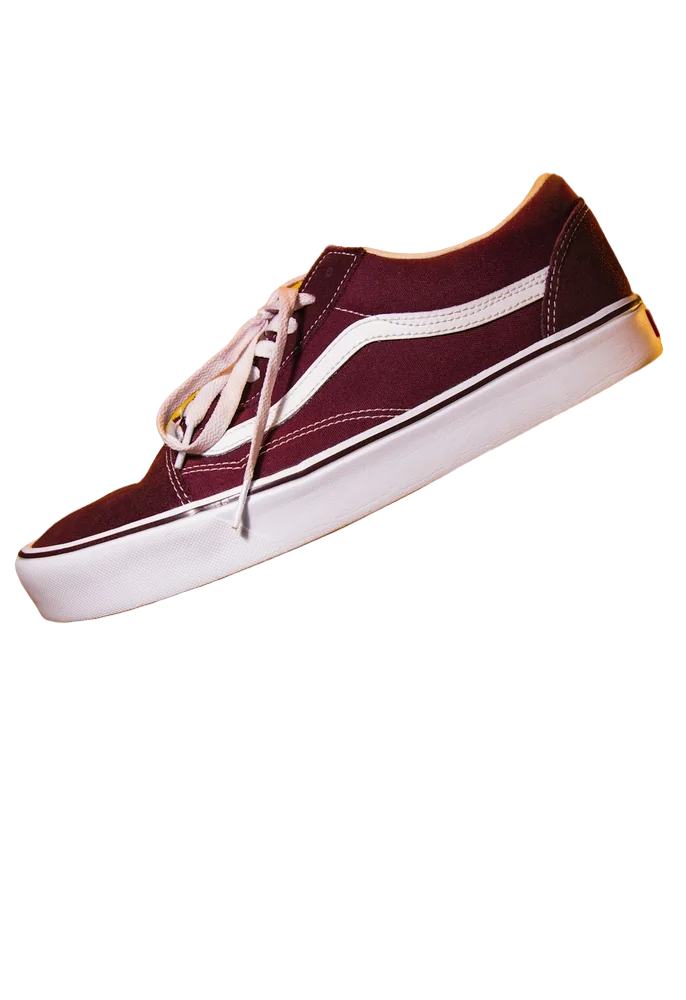
Shoe with background removed
OriginalRemoved

✓ Quick answer

How do I remove the white paper background from a drawing?

Photograph or scan the drawing in even light, upload it and the AI removes the paper. Download as a transparent PNG and drop it into Procreate, Canva or Photoshop.

How to remove background from drawings

  1. 01

    Upload your image

    Drop a JPG, PNG, WebP or HEIC file into the uploader, paste it with Ctrl+V, or paste an image URL.

  2. 02

    AI removes the background

    Our segmentation model finds the subject and cuts it out with soft, hair-level edges in a few seconds.

  3. 03

    Download or edit

    Download a transparent PNG, or swap in a solid colour, a photo or a blurred background first.

Paper, shadows and texture

Phone photos of paper include grey shadows and texture. Shoot in even daylight, fill the frame with the page, and the remover will treat the paper as background.

  • Even daylight, no flash
  • Fill the frame
  • Dark ink works best

Uses for artists

Digitise sketches for colouring, make transparent signatures and logos from hand lettering, or create stickers from doodles.

Last updated November 14, 2026

Frequently asked questions

Still have questions? Contact us

Will thin pencil lines survive?

Darker lines work best. Very light pencil may need a darker pass or a scan.

Can I colour the line art afterwards?

Yes — the PNG has a transparent background, so you can colour on a layer underneath in any app.

Is it free?

Yes. Downloads up to 800×800px are free with no watermark and no sign-up. Full resolution costs one credit; new accounts get 3 free.

More tools