

Skip to contentremove.bg closes on 1 December — switch in one minute, your API code included →
removingbackground.io

Remove background from watch photos

Reflective cases, metal bracelets and leather straps — clean cut-outs for listings.

or drop images here · paste with Ctrl+V · or

JPG, PNG, WebP or HEIC · up to 25 MB · up to 20 images

No image? Try one of these:

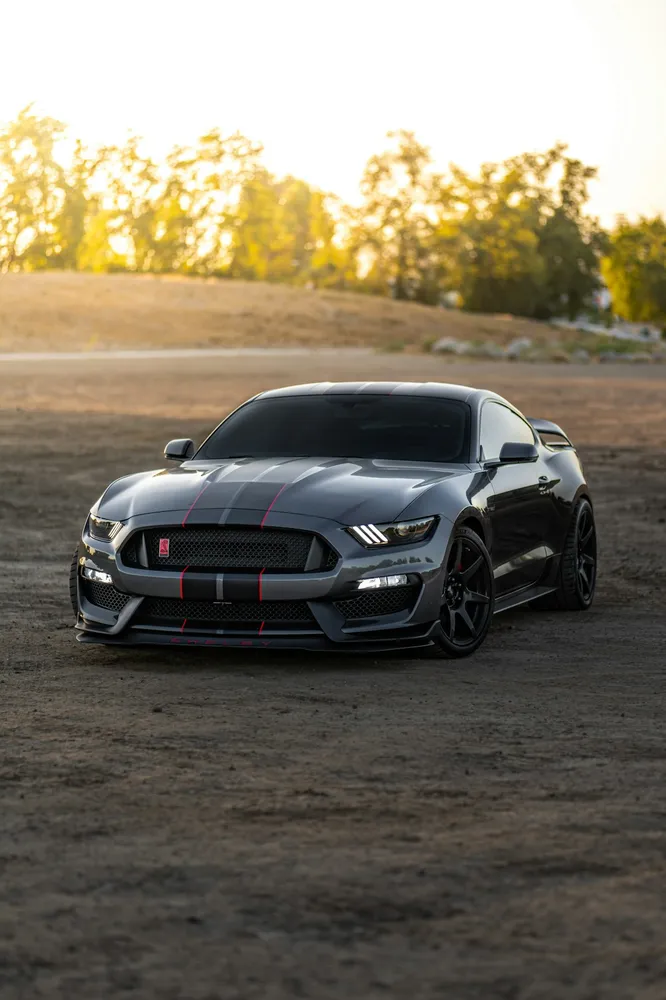
Sports car original
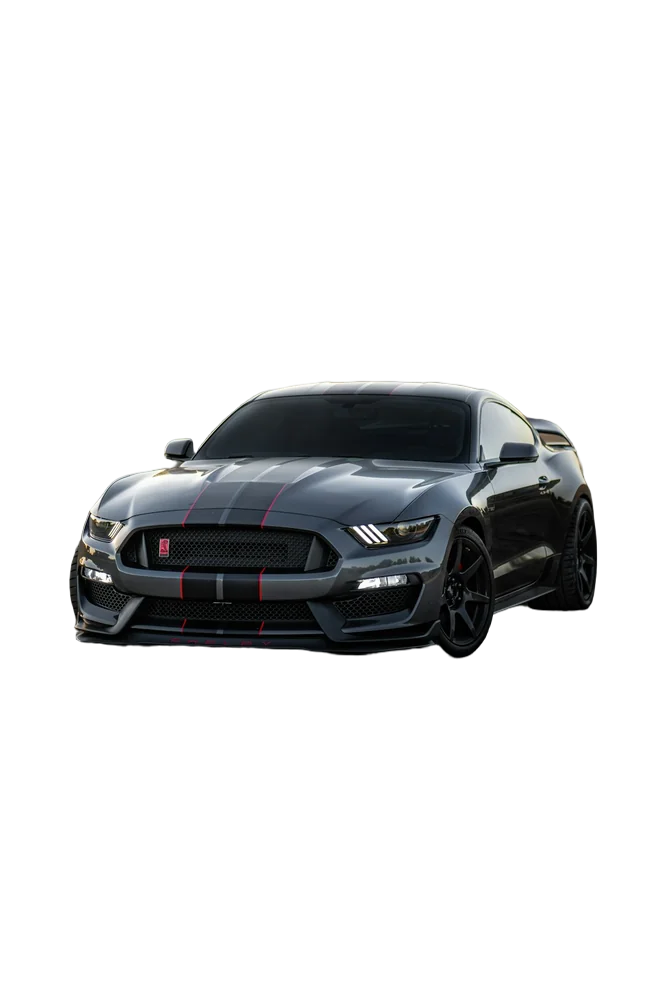
Sports car with background removed
OriginalRemoved

✓ Quick answer

How do I photograph a watch with a clean background?

Shoot the watch in soft light with the face slightly angled to avoid reflections, upload it, and the AI removes the background. Place it on white or deep black for a premium look.

How to remove background from watch photos

  1. 01

    Upload your image

    Drop a JPG, PNG, WebP or HEIC file into the uploader, paste it with Ctrl+V, or paste an image URL.

  2. 02

    AI removes the background

    Our segmentation model finds the subject and cuts it out with soft, hair-level edges in a few seconds.

  3. 03

    Download or edit

    Download a transparent PNG, or swap in a solid colour, a photo or a blurred background first.

Handling reflections

Polished cases reflect whatever is around them. The cut-out keeps those reflections, so choose a background with similar brightness — black for dark reflections, light grey for bright ones.

Black backgrounds sell luxury

Many premium watch brands use black or charcoal. Use the black background and a subtle shadow for that look.

  • Black for luxury
  • White for marketplaces
  • HD for zoom

Last updated November 14, 2026

Frequently asked questions

Still have questions? Contact us

Do gaps in the bracelet links get removed?

Yes, enclosed gaps become transparent.

Can I add a reflection under the watch?

Use the soft shadow option to ground it; mirror reflections aren't supported yet.

Is it free?

Yes. Downloads up to 800×800px are free with no watermark and no sign-up. Full resolution costs one credit; new accounts get 3 free.

More tools