
Skip to contentremove.bg closes on 1 December — switch in one minute, your API code included →
removingbackground.io

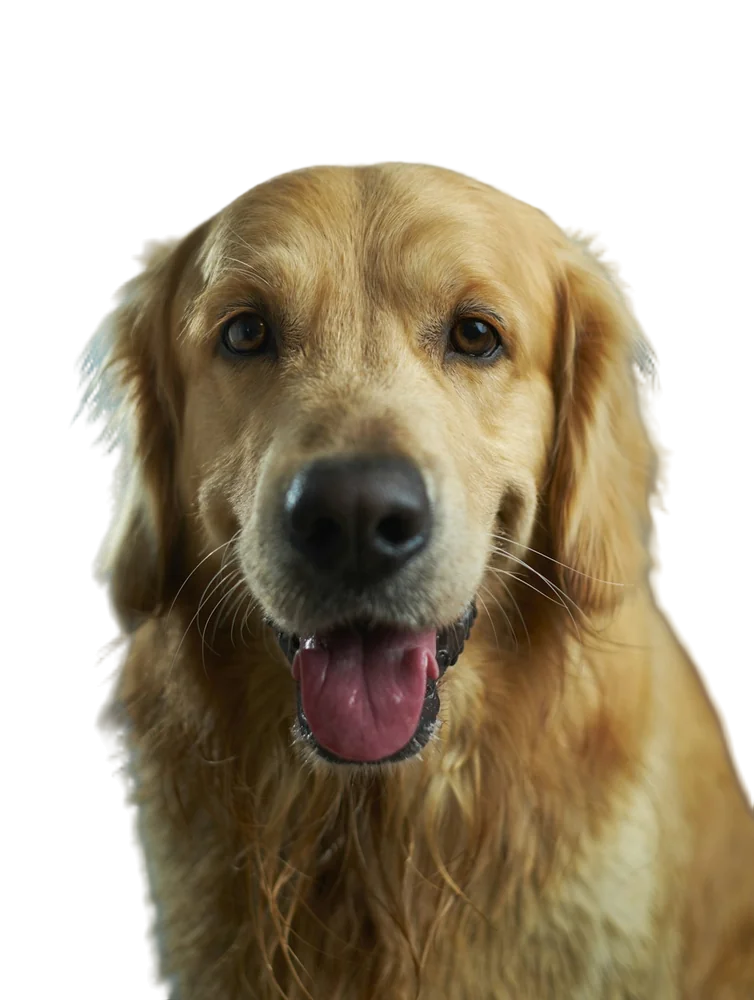
Remove background from dog photos

Fluffy coats, whiskers and wagging tails — cut your dog out cleanly in about five seconds.

or drop images here · paste with Ctrl+V · or

JPG, PNG, WebP or HEIC · up to 25 MB · up to 20 images

No image? Try one of these:

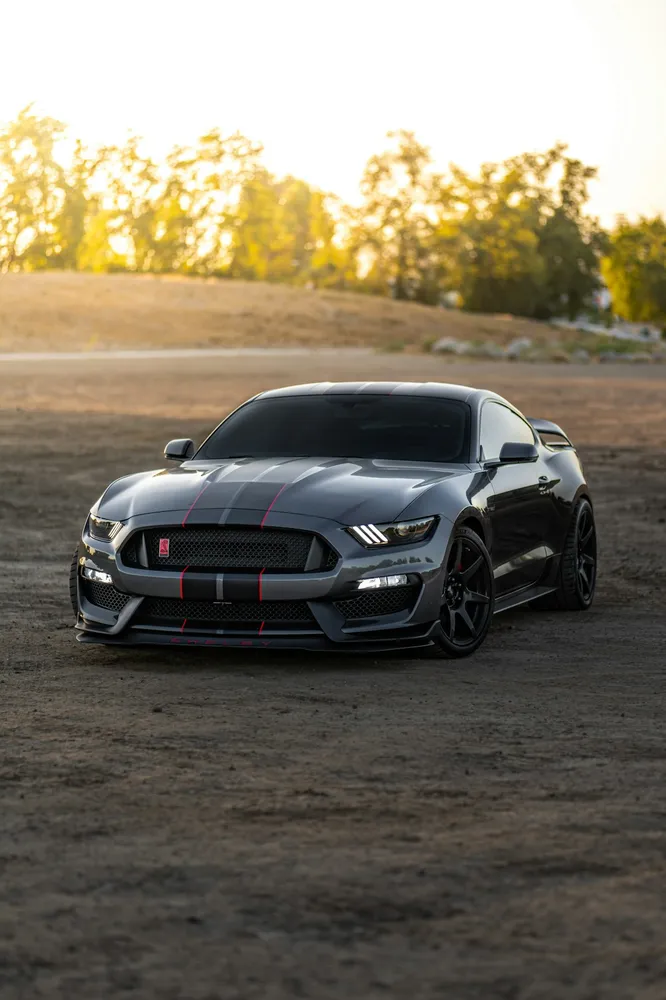
Sports car original
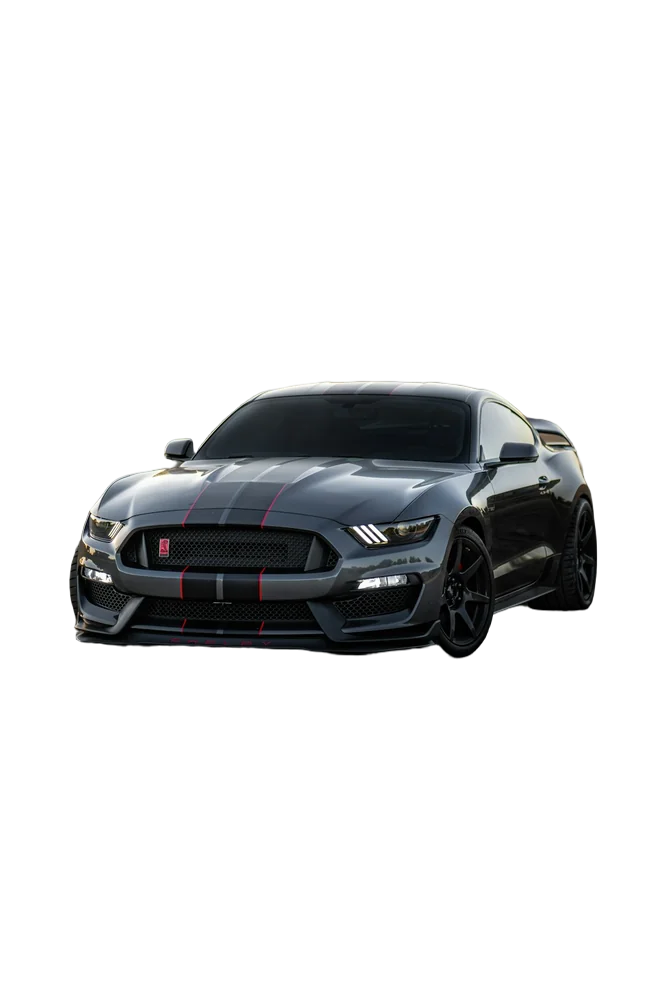
Sports car with background removed
OriginalRemoved

✓ Quick answer

How do I remove the background from a photo of my dog?

Upload the photo and the AI separates your dog from the background automatically, keeping soft fur edges. Download a transparent PNG for free, or drop your dog onto a new colour or scene.

How to remove background from dog photos

  1. 01

    Upload your image

    Drop a JPG, PNG, WebP or HEIC file into the uploader, paste it with Ctrl+V, or paste an image URL.

  2. 02

    AI removes the background

    Our segmentation model finds the subject and cuts it out with soft, hair-level edges in a few seconds.

  3. 03

    Download or edit

    Download a transparent PNG, or swap in a solid colour, a photo or a blurred background first.

Why dog photos are tricky

Fur is semi-transparent at the edges, so simple cut-out tools leave a hard outline or a halo of the old background. Our pipeline refines edges at full resolution and re-estimates edge colours, so a golden retriever on green grass doesn't end up with green-tinged fur.

  • Long and curly coats
  • Whiskers and ears against bright skies
  • Dark dogs on dark floors

Ideas for your cut-out

Make a custom pet portrait on a pastel background, a birthday card, a sticker for chats, or a clean photo for a pet-sitting or breeder profile. Shelters use clean cut-outs to make adoption listings look consistent.

Last updated November 14, 2026

Frequently asked questions

Still have questions? Contact us

Will it keep my dog's fur?

Yes. Edges are refined at the original resolution, so individual hairs stay soft instead of being chopped off.

Can I put my dog on a different background?

Yes — pick a colour, gradient or upload your own photo in the Background tab before downloading.

Is it free?

Yes. Downloads up to 800×800px are free with no watermark and no sign-up. Full resolution costs one credit; new accounts get 3 free.

More tools