

Skip to contentremove.bg closes on 1 December — switch in one minute, your API code included →
removingbackground.io

Make a photo background black

A dramatic, premium look for portraits, watches, jewelry and tech products.

or drop images here · paste with Ctrl+V · or

JPG, PNG, WebP or HEIC · up to 25 MB · up to 20 images

No image? Try one of these:

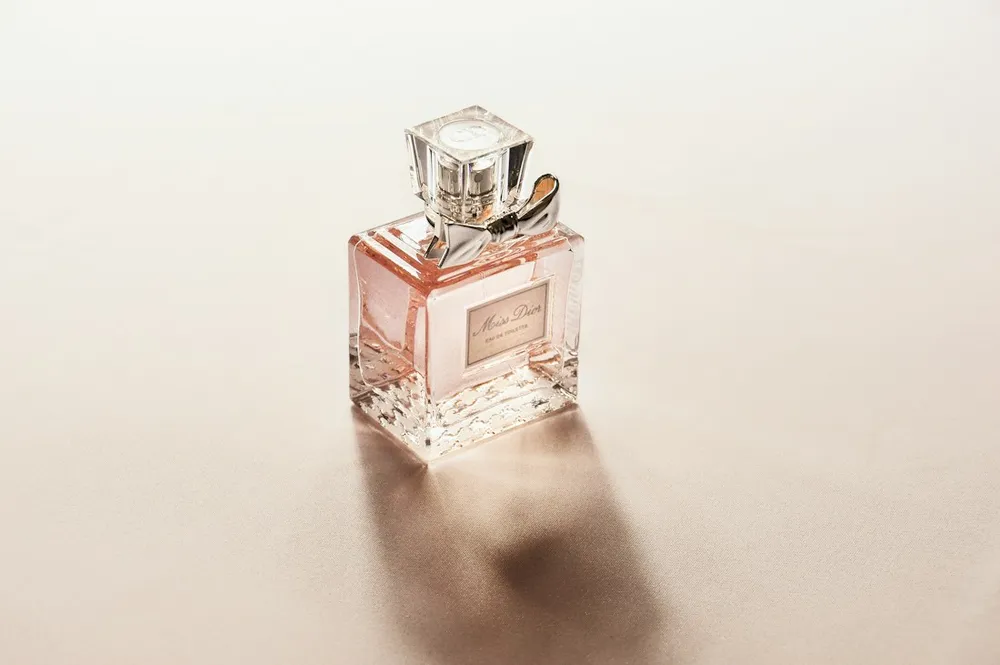
Glass bottle original
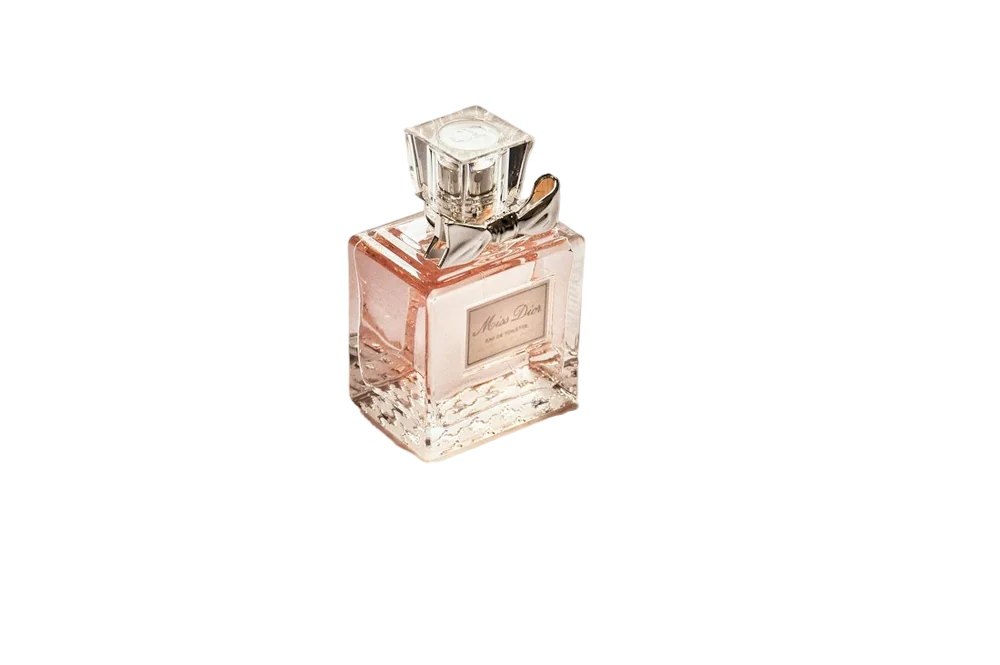
Glass bottle with background removed
OriginalRemoved

✓ Quick answer

How do I make the background of a photo black?

Upload your photo, let the AI remove the background, then choose the black swatch. Download as JPG or PNG. Clean edges mean no white outline around your subject.

How to make a photo background black

  1. 01

    Upload your image

    Drop a JPG, PNG, WebP or HEIC file into the uploader, paste it with Ctrl+V, or paste an image URL.

  2. 02

    AI removes the background

    Our segmentation model finds the subject and cuts it out with soft, hair-level edges in a few seconds.

  3. 03

    Download or edit

    Download a transparent PNG, or swap in a solid colour, a photo or a blurred background first.

No white halo

On black, any leftover light pixels at the edge show up as a glowing outline. We re-estimate edge colours after cutting out, which keeps the edge dark and clean.

When black works best

Luxury products, low-key portraits, music and event posters, and dark-mode websites.

  • Watches and jewelry
  • Moody portraits
  • Dark-mode UI

Last updated November 14, 2026

Frequently asked questions

Still have questions? Contact us

Can I use a dark grey instead?

Yes, pick any colour with the custom colour picker.

Will light hair look odd on black?

Edge colours are corrected, so blonde hair stays natural without a bright fringe.

Is it free?

Yes. Downloads up to 800×800px are free with no watermark and no sign-up. Full resolution costs one credit; new accounts get 3 free.

More tools