

Skip to contentremove.bg closes on 1 December — switch in one minute, your API code included →
removingbackground.io

Change the background of a photo

Swap any background for a colour, gradient, blur or a different photo.

or drop images here · paste with Ctrl+V · or

JPG, PNG, WebP or HEIC · up to 25 MB · up to 20 images

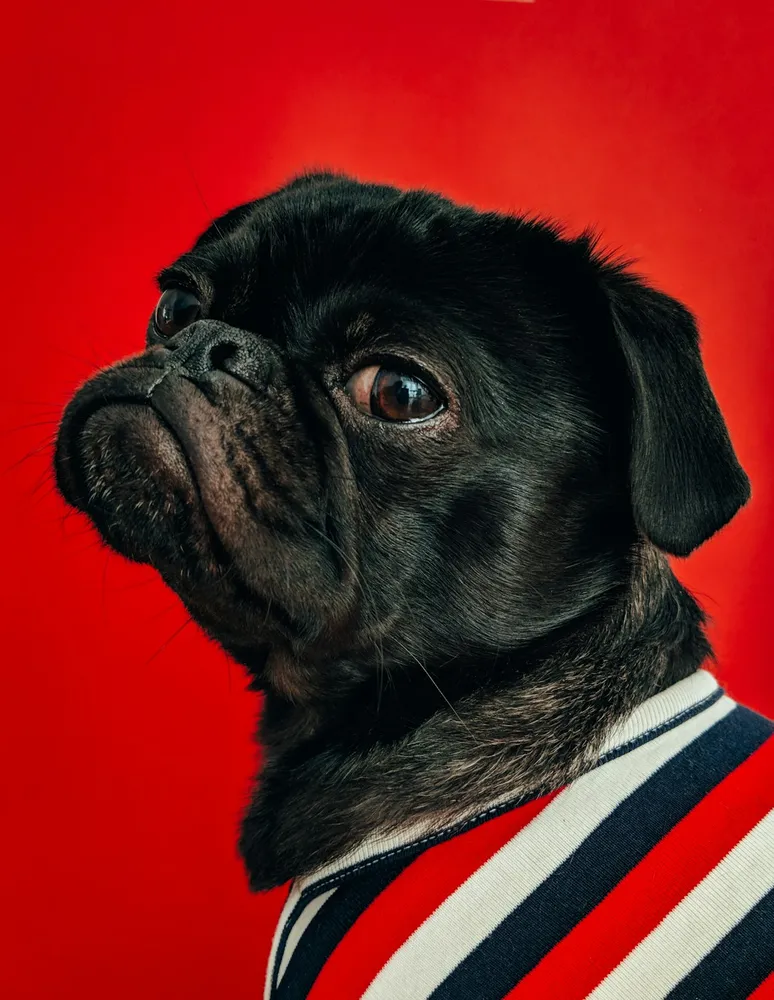
No image? Try one of these:

Pug original
Pug with background removed
OriginalRemoved

✓ Quick answer

What's the easiest way to change a photo's background?

Upload the photo here, let the AI remove the existing background, and pick a replacement in the Background panel. The whole process takes under a minute and needs no design skills.

How to change the background of a photo

  1. 01

    Upload your image

    Drop a JPG, PNG, WebP or HEIC file into the uploader, paste it with Ctrl+V, or paste an image URL.

  2. 02

    AI removes the background

    Our segmentation model finds the subject and cuts it out with soft, hair-level edges in a few seconds.

  3. 03

    Download or edit

    Download a transparent PNG, or swap in a solid colour, a photo or a blurred background first.

Four kinds of new background

Solid colours for clean looks, gradients for modern social posts, your own photo for scenes, or a blurred version of the original for a portrait-mode effect.

  • Colour
  • Gradient
  • Photo
  • Blur

Batch it

Changing backgrounds for a whole product range? Upload up to 20 images, set the background once and download a ZIP.

Last updated November 14, 2026

Frequently asked questions

Still have questions? Contact us

Will the edges look cut out?

Edges are refined and colour-corrected so the subject blends with the new background.

Can I go back to the original?

Yes — choose Transparent, or hold the compare button to see the original.

Is it free?

Yes. Downloads up to 800×800px are free with no watermark and no sign-up. Full resolution costs one credit; new accounts get 3 free.

More tools