

Skip to contentremove.bg closes on 1 December — switch in one minute, your API code included →
removingbackground.io

Add a background to a photo

Put yourself, your pet or your product in front of any scene, colour or gradient.

or drop images here · paste with Ctrl+V · or

JPG, PNG, WebP or HEIC · up to 25 MB · up to 20 images

No image? Try one of these:

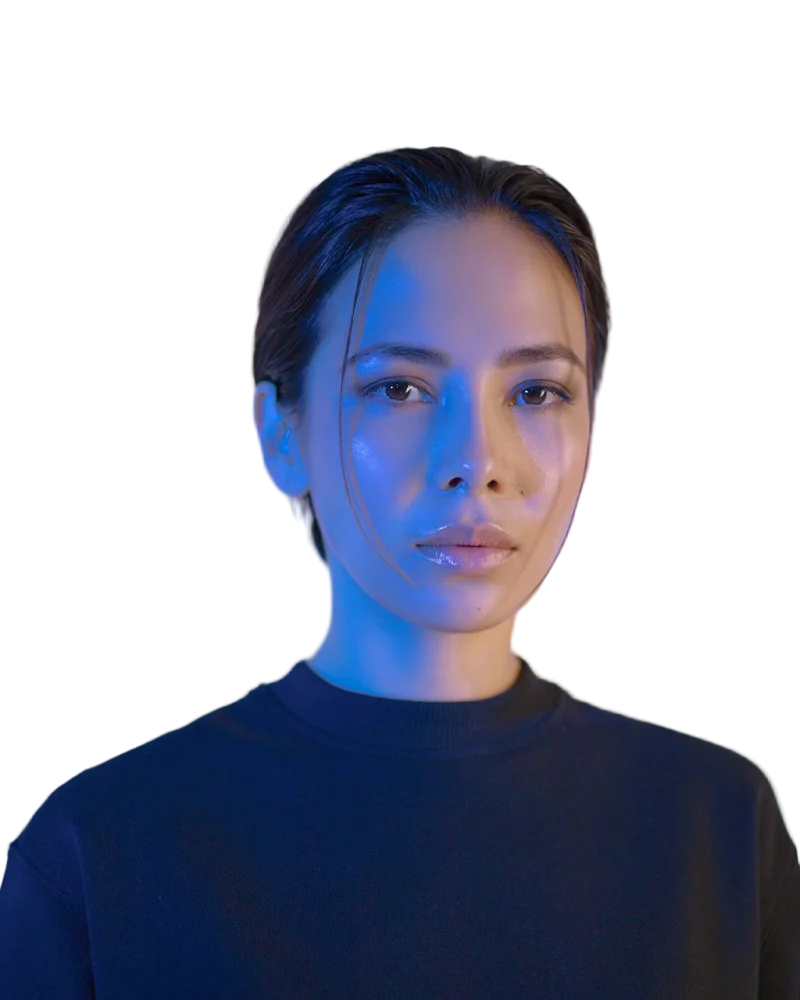
Headshot original
Headshot with background removed
OriginalRemoved

✓ Quick answer

How do I add a new background to a photo?

Upload the photo; the AI removes the old background. Then click Upload a background photo and choose your scene (or pick a colour/gradient). Resize and position, then download.

How to add a background to a photo

  1. 01

    Upload your image

    Drop a JPG, PNG, WebP or HEIC file into the uploader, paste it with Ctrl+V, or paste an image URL.

  2. 02

    AI removes the background

    Our segmentation model finds the subject and cuts it out with soft, hair-level edges in a few seconds.

  3. 03

    Download or edit

    Download a transparent PNG, or swap in a solid colour, a photo or a blurred background first.

Make it look real

Pick a background with similar lighting direction and brightness to your subject, add a soft shadow for objects that stand on the ground, and blur the background slightly for depth.

  • Match light direction
  • Soft shadow for objects
  • Slight blur for depth

Ideas

Travel photos, product lifestyle shots, YouTube thumbnails, event invitations and fun edits.

Last updated November 14, 2026

Frequently asked questions

Still have questions? Contact us

Can I use my own background image?

Yes — upload any JPG, PNG or WebP as the background.

Can I resize the result to Instagram?

Yes, use the Resize presets (1:1, 4:5, 9:16).

Is it free?

Yes. Downloads up to 800×800px are free with no watermark and no sign-up. Full resolution costs one credit; new accounts get 3 free.

More tools