

Skip to contentremove.bg closes on 1 December — switch in one minute, your API code included →
removingbackground.io

HD background remover

Full-resolution cut-outs up to 36 megapixels, with edges refined at the original size.

or drop images here · paste with Ctrl+V · or

JPG, PNG, WebP or HEIC · up to 25 MB · up to 20 images

No image? Try one of these:

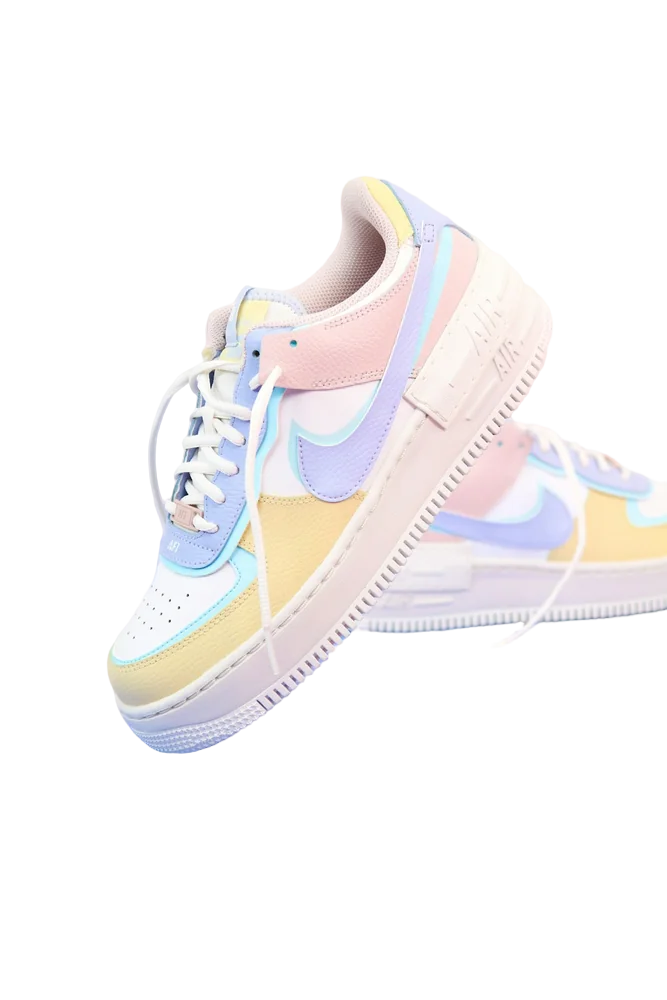
Sneaker original
Sneaker with background removed
OriginalRemoved

✓ Quick answer

How do I remove a background without losing quality?

Use an HD download: we refine the cut-out at your photo's original resolution (up to 36 MP), so nothing is downscaled. Free downloads are capped at 800×800px; HD uses one credit.

How to hD background remover

  1. 01

    Upload your image

    Drop a JPG, PNG, WebP or HEIC file into the uploader, paste it with Ctrl+V, or paste an image URL.

  2. 02

    AI removes the background

    Our segmentation model finds the subject and cuts it out with soft, hair-level edges in a few seconds.

  3. 03

    Download or edit

    Download a transparent PNG, or swap in a solid colour, a photo or a blurred background first.

Why many tools lose quality

Some removers process a small version of your photo and stretch the mask back up, which blurs edges. We predict the mask, then refine it with an edge-aware filter at full size and re-estimate edge colours.

When you need HD

Printing, zoomable marketplace images (Amazon recommends 1,600px+), banners and anything that will be cropped later.

  • Up to 36 MP input
  • PNG, JPG or WebP
  • Re-download free from your account

Last updated November 14, 2026

Frequently asked questions

Still have questions? Contact us

What's the maximum size?

Up to 36 megapixels and 25 MB per upload.

Do I pay again to re-download?

No. HD files are saved in your account and can be downloaded again for free.

Is it free?

Yes. Downloads up to 800×800px are free with no watermark and no sign-up. Full resolution costs one credit; new accounts get 3 free.

More tools