
Skip to contentremove.bg closes on 1 December — switch in one minute, your API code included →
removingbackground.io

Remove background from anime images

Characters, fan art and screenshots — cut out with sharp hair spikes and clean line art.

or drop images here · paste with Ctrl+V · or

JPG, PNG, WebP or HEIC · up to 25 MB · up to 20 images

No image? Try one of these:

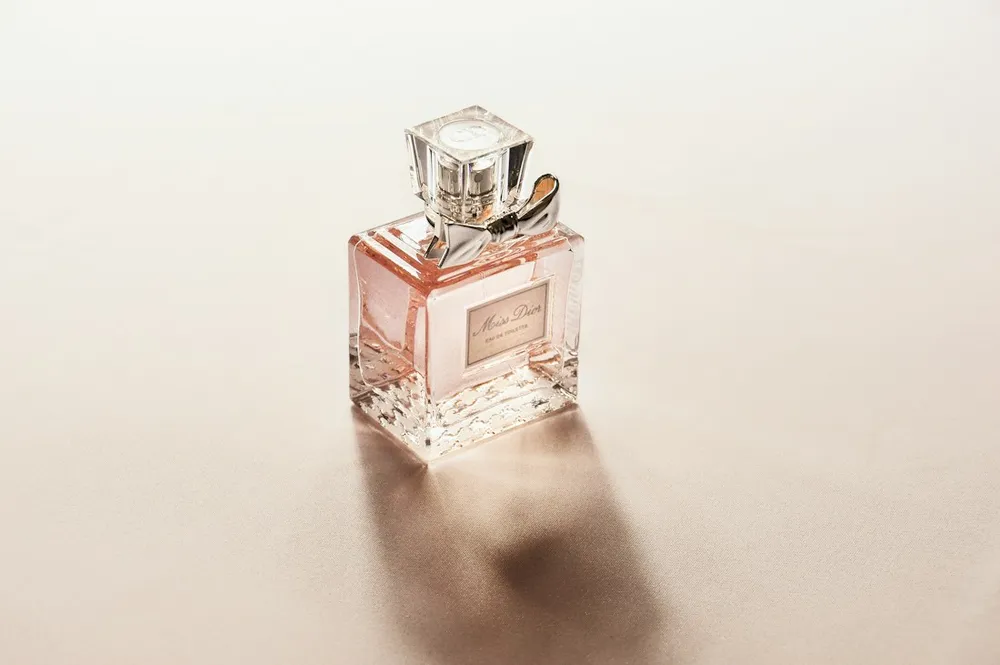
Glass bottle original
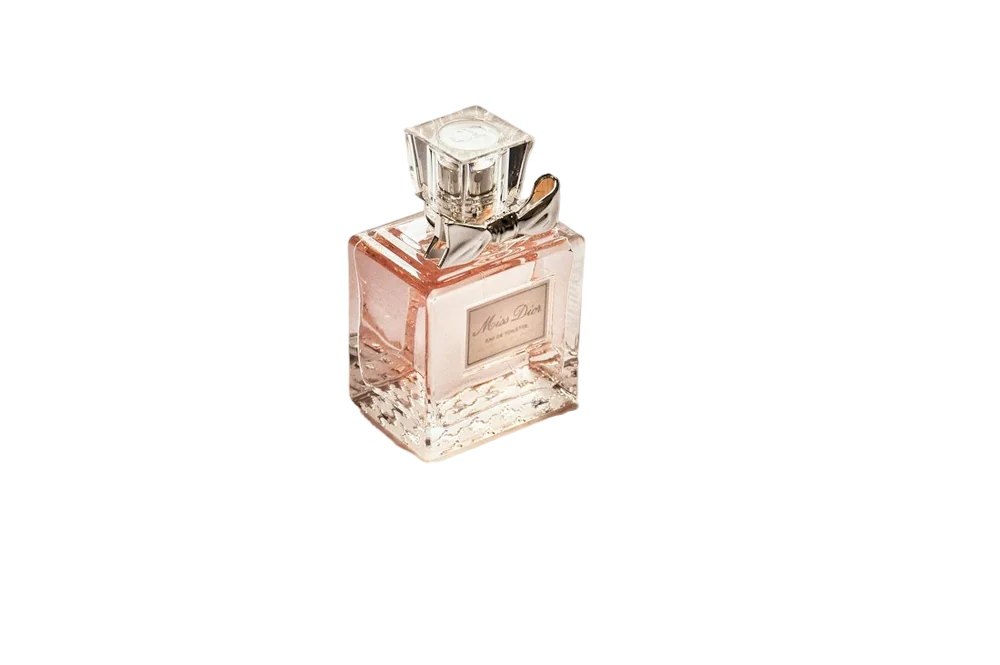
Glass bottle with background removed
OriginalRemoved

✓ Quick answer

How do I cut out an anime character?

Upload the image and the AI isolates the character, keeping spiky hair and thin line art. Download a transparent PNG for edits, wallpapers, stickers or profile pictures.

How to remove background from anime images

  1. 01

    Upload your image

    Drop a JPG, PNG, WebP or HEIC file into the uploader, paste it with Ctrl+V, or paste an image URL.

  2. 02

    AI removes the background

    Our segmentation model finds the subject and cuts it out with soft, hair-level edges in a few seconds.

  3. 03

    Download or edit

    Download a transparent PNG, or swap in a solid colour, a photo or a blurred background first.

Line art and spiky hair

Anime art uses sharp points and thin outlines. Our model keeps those details and the clean flat shading, so the character doesn't look chopped.

What fans make

Edits and AMVs, Discord avatars, phone wallpapers, stickers and posters.

  • Discord and Twitch emotes
  • Wallpapers
  • Stickers

Last updated November 14, 2026

Frequently asked questions

Still have questions? Contact us

Can I cut out a character from a busy screenshot?

Usually yes; if part of the scenery stays, erase it with the brush.

Can I use the result commercially?

Our tool doesn't restrict use, but anime characters are often copyrighted — check the rights for commercial projects.

Is it free?

Yes. Downloads up to 800×800px are free with no watermark and no sign-up. Full resolution costs one credit; new accounts get 3 free.

More tools