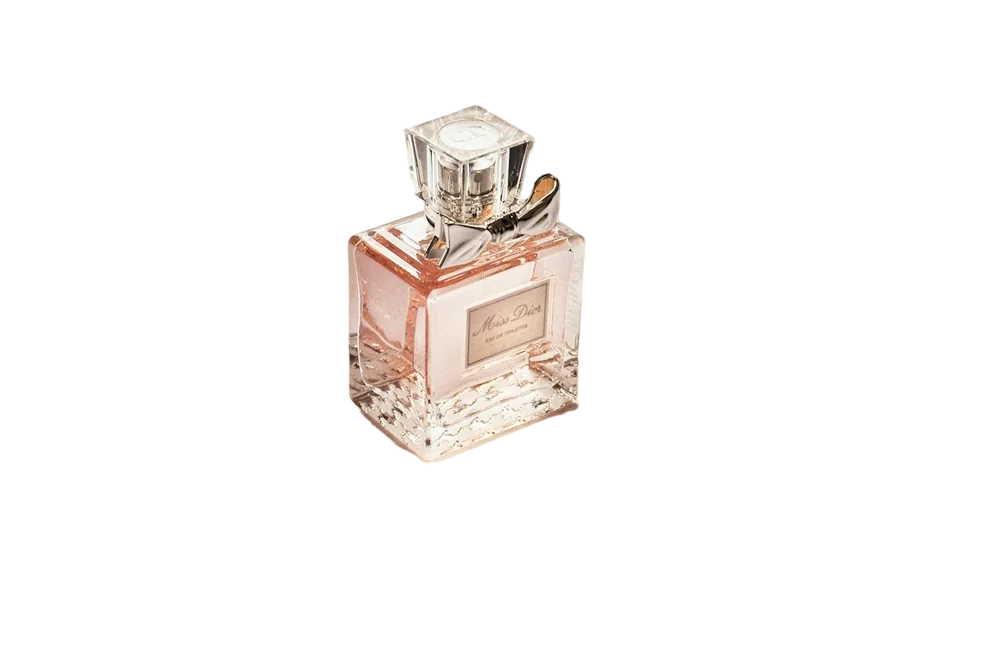
Pick up any successful brand's website and look at the product pages. You'll notice they rarely use pure white everywhere. Marketplaces demand it for main images, but the rest of the time, colour is a design decision — and a surprisingly powerful one.
Here's how I think about it.
Pure white (#FFFFFF): marketplaces and catalogues
Use pure white when:
- It's the main image on Amazon, Google Shopping or similar marketplaces
- You need a large catalogue to look consistent
- The product itself has strong colour that should do the talking
Watch out for white products on white. A white sneaker on #FFFFFF can disappear. A very subtle shadow or a light-grey background (#F5F5F5) keeps its outline readable.
Warm off-whites and stone: premium and handmade
Colours like #F5F5F0 or #EFEBE4 feel softer and more expensive than clinical white. They're great for:
- Handmade goods, ceramics, candles, skincare
- Brands that want a calm, editorial feel
- Product pages where white would feel cold
Soft pastels: lifestyle and social
Pastel blue, peach, lilac and mint make products pop on Instagram and TikTok without looking like an advert. They work especially well for:
- Cosmetics and beauty
- Kids' products
- Tech accessories
Tip: pick a pastel that's the opposite colour of your product. A peach background behind a blue bottle has much more energy than blue on blue.
Brand colours: ads and collections
If your brand has a signature colour, use it for campaign images and collection banners. Consistency across ads builds recognition faster than any logo.
Dark backgrounds: luxury and contrast
Charcoal and near-black backgrounds make light, metallic and glass products glow. They're common for watches, fragrance and audio gear. They're less forgiving of rough edges, though — any halo around a cut-out shows up instantly, so use a background remover that cleans edge colours properly.
Gradients: subtle depth
A gentle gradient (light at the top, slightly darker at the bottom) mimics a real studio sweep. It's an easy way to add depth without a full scene.
How to try backgrounds quickly
You don't need to reshoot anything. Remove the background once, then try different colours in the editor — we include solid colours, gradients, a custom colour picker and the option to upload your own backdrop. Download the version you like as a JPG.
Try it on the product photo background remover.
A simple rule
Use white where the platform asks for it, use your brand where people already know you, and use contrast everywhere else.
FAQ
Is light grey acceptable on Amazon?
For main images, Amazon asks for pure white. Use other colours for secondary images, where the rules are more relaxed. Always check the current guidelines for your category.
Should all my product photos use the same background?
Your main images should. Lifestyle and detail shots can vary — that variety helps tell the product's story.