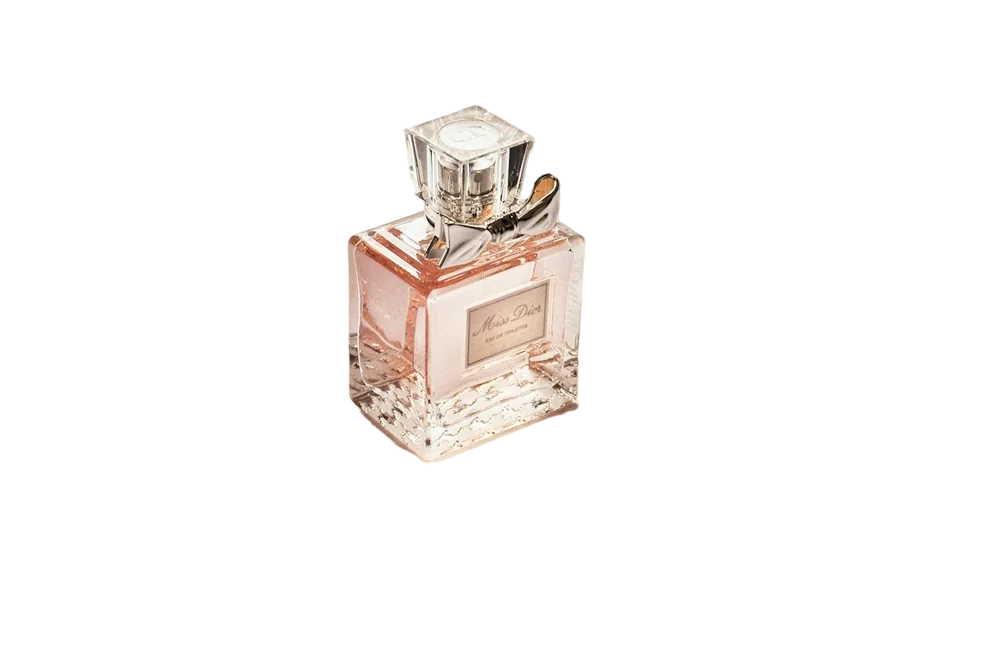
When I started selling online, I spent more on a cheap lightbox than on my first batch of stock. It made everything look flat and slightly blue. A few months later I got better results with a window, a sheet of white card from a stationery shop, and my phone.
If you're selling on Shopify, Etsy, Amazon or Instagram, here's the setup I'd recommend to anyone starting out.
What you actually need
- A window with indirect daylight (not direct sun)
- A large sheet of white or light-grey card, bent into a curve — this is your "sweep"
- A second piece of white card or foam board to bounce light into the shadows
- Your phone
- Some Blu Tack or tape
That's it. Total cost: a few dollars.
Setting up
Put a table next to the window. Tape the top of your card to a wall or a stack of books so it curves down onto the table — no hard corner where the wall meets the table means no ugly line behind your product.
Place the product a little way in from the front of the curve. Hold the second card on the side opposite the window to bounce light back in. You'll see the shadows soften immediately.
Phone settings that help
- Turn off the flash. Always.
- Don't use the ultra-wide lens. It distorts products. Use the main lens, or 2× if you have it, and step back a little.
- Tap to focus on the product, then drag exposure down slightly. Phones love to over-brighten white backgrounds, which washes out light products.
- Shoot more than you think you need. Different angles, closer details, the label, the texture.
Why you'll still want to remove the background
Even with a perfect sweep, white card photographs as light grey with gentle shadows. That's lovely for lifestyle shots, but marketplaces like Amazon want a pure white (#FFFFFF) background for the main image, and consistent catalogues look much better when every product sits on the exact same colour.
That's where a product photo background remover earns its place. Shoot as cleanly as you can, then remove the background and fill it with pure white — or keep it transparent for your website theme. You can drop 20 photos at once and download them all in one ZIP.
Small details that make a big difference
Clean the product. Dust and fingerprints show up shockingly well at full resolution. A microfibre cloth is your best friend.
Straighten it. Use the grid lines in your camera app. A slightly tilted bottle looks cheap.
Keep the same angle across products. Customers compare listings side by side. Consistent framing makes your shop look established.
Show scale. At least one photo with a hand, or next to a familiar object, saves you a lot of "how big is it?" messages.
When it's worth paying a photographer
If you sell high-end jewellery, glassware, or anything highly reflective, a professional with proper lighting is worth it. Reflections are hard to control at home. For clothing, cosmetics, homewares, accessories and most handmade goods, though, the window setup above is genuinely enough.
FAQ
What background colour is best for product photos?
Pure white for marketplace main images, and soft neutrals or brand colours for your own site and social posts. We wrote a whole post on choosing background colours.
Do I need a tripod?
It helps for consistency, and a cheap phone tripod is worth buying once you're shooting regularly. But for your first products, steady hands and good light are enough.