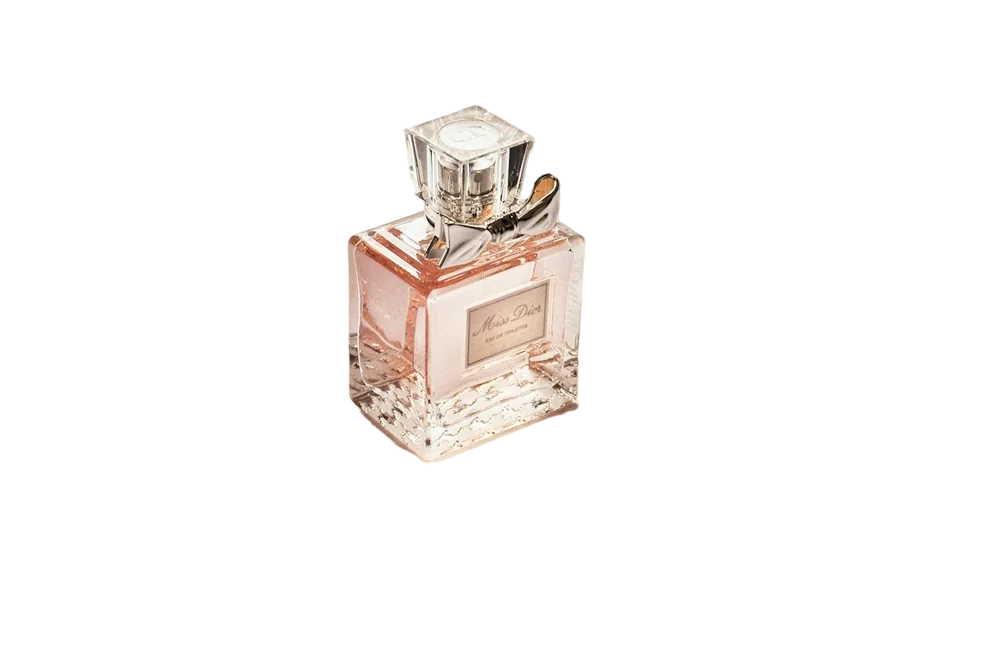
Furniture is one of the hardest categories to photograph for e-commerce. Items are large, you can't fit them in a lightbox, and chairs and tables are mostly made of gaps. But clean cut-outs on a consistent background make a furniture store look premium — and they're very achievable.
Shooting large items
- Use the biggest, plainest wall you have. A garage door or a white-painted wall works.
- Shoot from a little further back and zoom in slightly. This reduces distortion — wide angles make furniture look warped.
- Keep the camera level with the middle of the item, not looking down on it.
- Soft, even light. Open garage doors on an overcast day is a classic trick.
The gaps problem
The spaces between chair legs, the holes in a rattan back, the gap under a coffee table: these all need to become transparent too. A good AI background remover handles this — it treats each enclosed gap as background, not part of the object. Check by switching the background to a bold colour in the editor; any patches of old wall left between legs will stand out immediately.
Shadows
Removing the background also removes the floor shadow, which can make furniture look like it's floating. Add a soft shadow back in your design tool: a blurred dark ellipse under the item, at low opacity, is usually enough.
Room scenes
Once your products are cut out, you can place them in room photos for lifestyle images. Match the light direction and add a shadow, and it looks surprisingly convincing.
Start with the product photo background remover.
FAQ
Can I process furniture photos in bulk?
Yes, up to 20 at a time in the browser, or more with the API.
What background should furniture have?
Pure white for marketplace main images; warm neutrals or room scenes for your own website.

