

Skip to contentremove.bg closes on 1 December — switch in one minute, your API code included →
removingbackground.io

Background remover for designers

Clean cut-outs for mock-ups, social graphics and campaigns — ready for any design tool.

or drop images here · paste with Ctrl+V · or

JPG, PNG, WebP or HEIC · up to 25 MB · up to 20 images

No image? Try one of these:

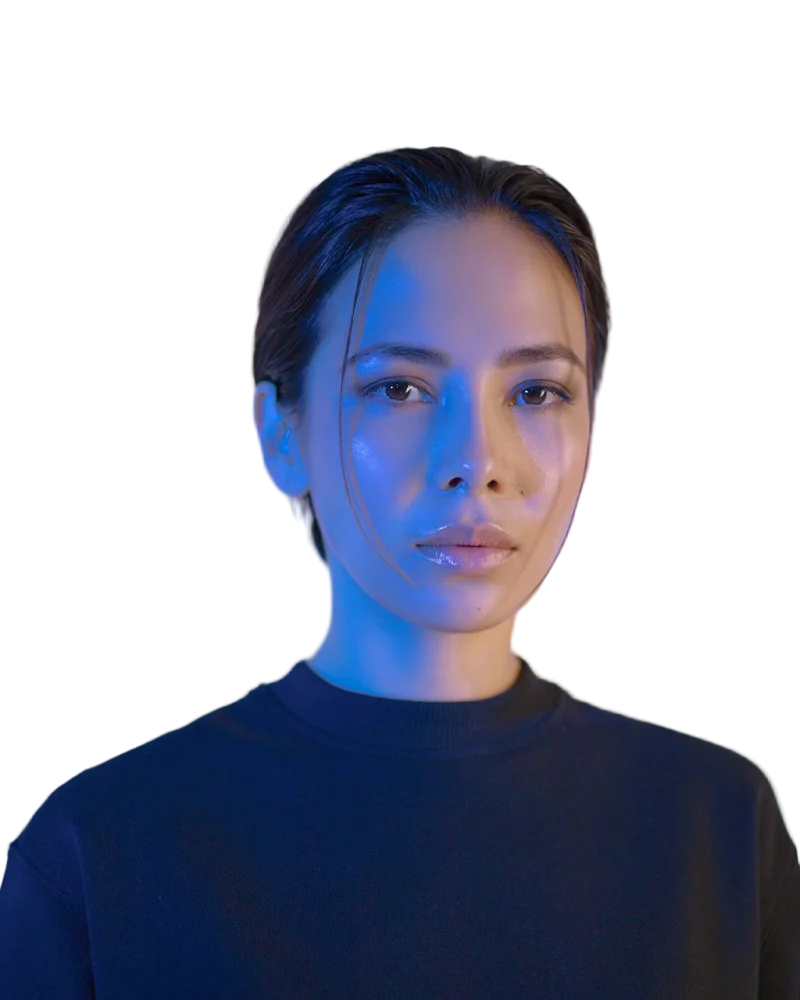
Headshot original
Headshot with background removed
OriginalRemoved

✓ Quick answer

What's the fastest way for designers to get cut-outs?

Drop images here, download transparent PNG or WebP files, and drag them into Figma, Canva, Photoshop or Illustrator. Batch up to 20 images and keep every file in your account.

How to background remover for designers

  1. 01

    Upload your image

    Drop a JPG, PNG, WebP or HEIC file into the uploader, paste it with Ctrl+V, or paste an image URL.

  2. 02

    AI removes the background

    Our segmentation model finds the subject and cuts it out with soft, hair-level edges in a few seconds.

  3. 03

    Download or edit

    Download a transparent PNG, or swap in a solid colour, a photo or a blurred background first.

Quality where it matters

Hair, fur and soft edges are refined at full resolution with colour spill removed, so cut-outs work on dark and light backgrounds alike.

Tools you use

Guides for Figma, Canva, Photoshop and Illustrator show how to bring the PNGs in.

  • PNG and WebP
  • HD up to 36 MP
  • API for automation

Last updated November 14, 2026

Frequently asked questions

Still have questions? Contact us

Can I get a PSD with a mask?

We export PNG/WebP with transparency; open them in Photoshop to keep editing.

Can my team share credits?

Credits belong to one account today; use the API key for shared automation.

Is it free?

Yes. Downloads up to 800×800px are free with no watermark and no sign-up. Full resolution costs one credit; new accounts get 3 free.

More tools