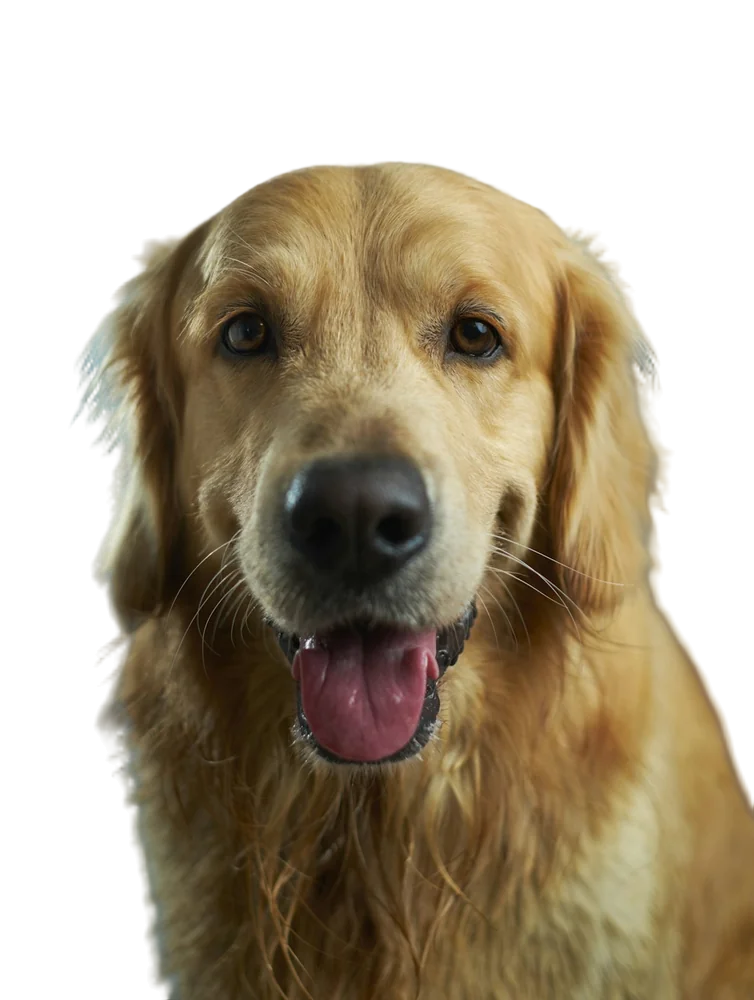
You upload a photo, wait five seconds, and the background is gone. It feels like magic, but it's a fairly understandable pipeline. Here's what happens to your image, step by step.
Step 1: Segmentation — "what is the subject?"
The image is resized and fed into a neural network trained on a huge number of photos where the subject had been carefully separated by hand. The network learned patterns: what people, products, animals and objects look like, and where their edges tend to be.
Our model, BiRefNet, looks at the whole image to understand what's important, and at fine local detail to decide exactly where edges fall. Its output is a mask: for every pixel, a number between 0 (background) and 1 (subject).
Step 2: Alpha matting — "how much of this pixel is subject?"
A mask of only 0s and 1s would give you hard, jagged edges. Real edges — hair, fur, motion blur, the rim of a glass — are partly see-through. So the mask uses in-between values. A pixel at the edge of a strand of hair might be 0.4: 40% hair, 60% background.
That soft mask is called an alpha matte, and it's what makes cut-outs look natural.
Step 3: Refinement — "match the real edges"
The network works at a fixed size (1024×1024 pixels). Your photo is probably bigger. So the mask is scaled up and refined with an edge-aware filter that uses your original photo as a guide, snapping the soft edges to real detail rather than blurry upscaled ones.
Step 4: Colour decontamination — "remove the old background's tint"
Edge pixels are a blend of subject and background colours. If you just cut them out, they keep a hint of the old background — the famous "halo". We estimate what colour each edge pixel would be without the background mixed in, and correct it.
This step is invisible when it works, and very obvious when a tool skips it.
Step 5: Output
Finally the image is saved as a PNG with the alpha channel, or composited onto a colour you've chosen and saved as a JPG.
What AI still finds hard
- Subjects that are the same colour as the background
- Very thin structures smaller than a pixel
- Transparent objects in front of busy scenes
- Photos where it's ambiguous what the "subject" is
Want to see the pipeline in action? Try your own photo on the remove bg AI page.
FAQ
Is my photo used to train the AI?
Not on RemovingBackground.io. Images are processed in memory and deleted immediately.
Why does it take a few seconds?
The network runs millions of calculations per image, and the refinement steps work at your photo's full resolution.