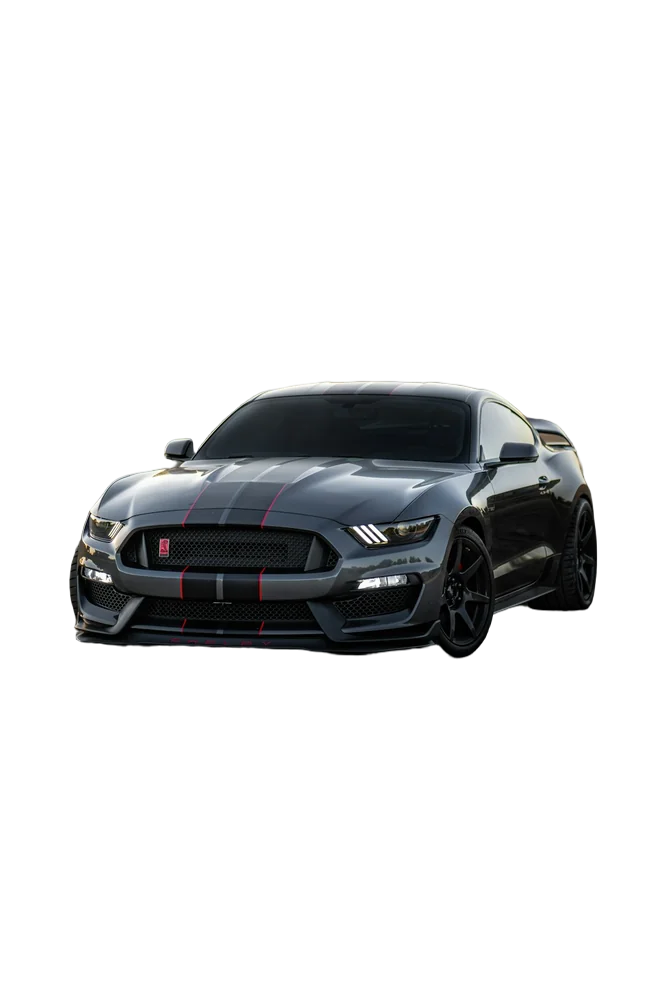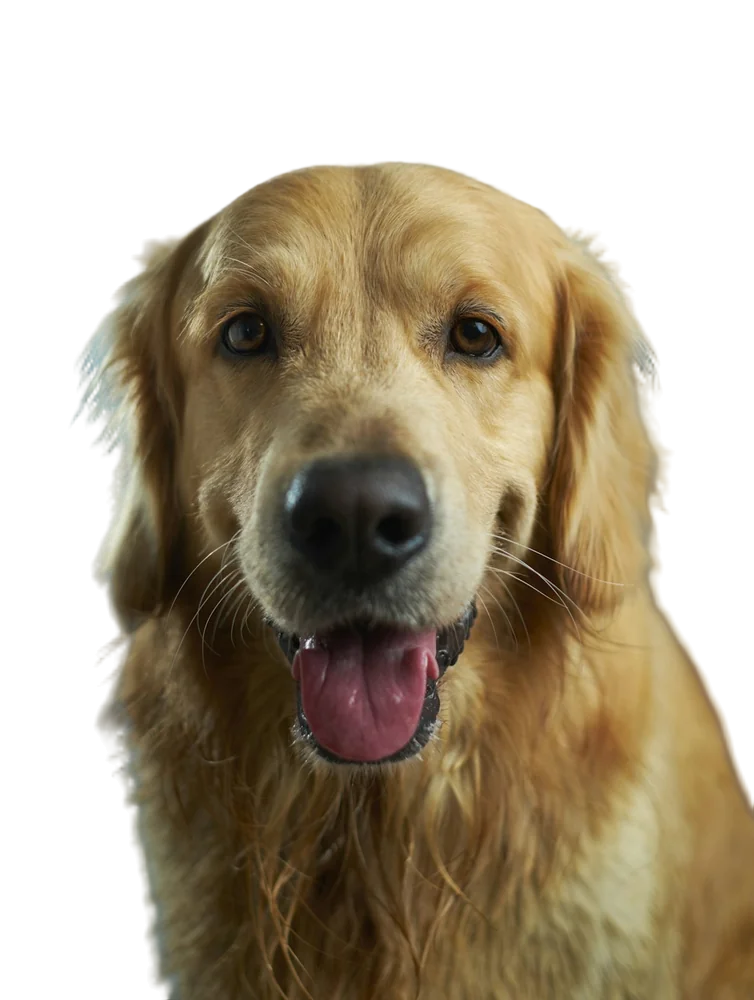
I've used Photoshop for years and I still open it regularly. But for background removal specifically, I reach for it far less often than I used to. Here's an honest breakdown.
Speed
An AI background remover takes a few seconds per image, and you can process a batch of 20 in the time it takes to make coffee. In Photoshop, Select Subject plus Select and Mask is fast for simple images but can take several minutes per photo once you start refining hair.
Winner: AI tool, easily.
Quality on easy images
Products on plain backgrounds, people against walls, logos: both get you a clean result.
Winner: tie.
Quality on hard images
This is closer than you'd think. Photoshop's refine tools give you manual control, which is unbeatable when you know what you're doing and have time. Good AI tools now predict soft alpha edges and clean colour spill automatically, which is where most of the manual effort used to go.
Winner: Photoshop in skilled hands; AI for everyone else.
Cost
Photoshop is a subscription. An AI tool can be free for small images and a few cents per image for full resolution.
Winner: AI tool, unless you already pay for Photoshop for other work.
Control
Photoshop wins here by a mile. Layer masks, brushes, channels, compositing, shadows — it's a full editing suite. A background remover does one thing.
My workflow
- Most images: AI tool → done.
- Hero images for a campaign: AI tool for the first cut-out → Photoshop for compositing, shadows and final touches.
- Batches of products: AI tool or API, no Photoshop at all.
Try the AI side for yourself on the background removal page — your hardest image is the best test.
FAQ
Can I use an AI cut-out in Photoshop?
Yes. Download the transparent PNG and place it as a layer. You can still refine it with a layer mask if needed.
Is Photoshop's Remove Background button the same thing?
It's also AI-based. Results vary by image; it's worth comparing on your own photos.