


Skip to content
removingbackground.io

Remove background from image online

Cut out your subject, then design the new background without leaving the page.

or drop images here · paste with Ctrl+V · or

JPG, PNG, WebP or HEIC · up to 25 MB · up to 20 images

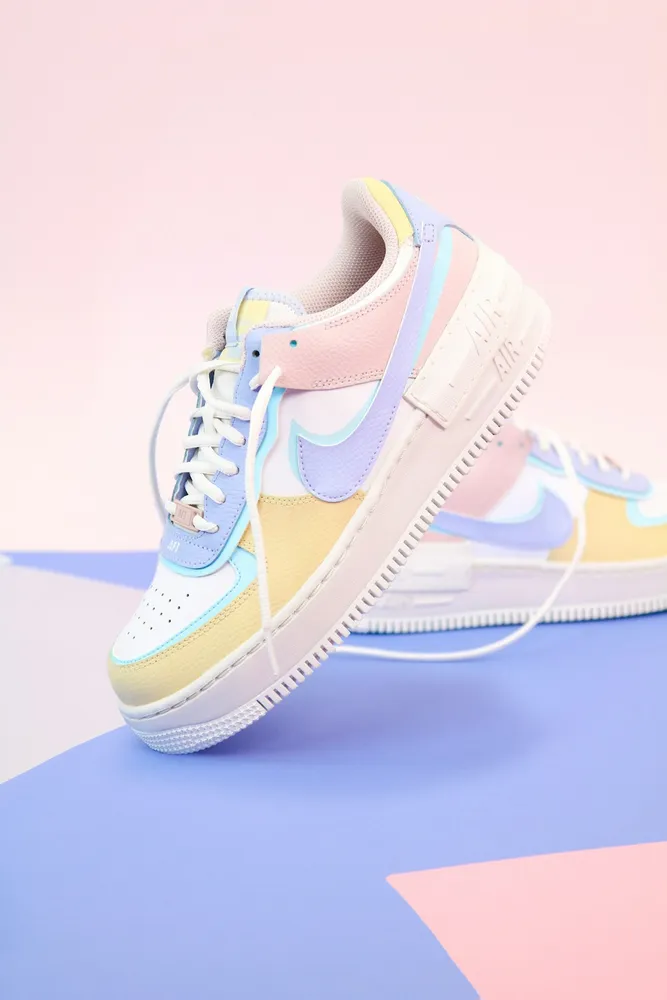
No image? Try one of these:

Sneaker original
Sneaker with background removed
OriginalRemoved

✓ Quick answer

Can I remove a background from an image online and replace it?

Yes. On RemovingBackground.io the AI removes the background online, then the editor lets you replace it with a solid colour, a gradient, your own photo or a blur of the original. Download as a transparent PNG or as a JPG with the new background.

How to remove background from image online

  1. 01

    Upload your image

    Drop a JPG, PNG, WebP or HEIC file into the uploader, paste it with Ctrl+V, or paste an image URL.

  2. 02

    AI removes the background

    Our segmentation model finds the subject and cuts it out with soft, hair-level edges in a few seconds.

  3. 03

    Download or edit

    Download a transparent PNG, or swap in a solid colour, a photo or a blurred background first.

Replacing the background, not just deleting it

Most people don't actually want a transparent image — they want the subject on something better. A soft gradient behind a product, a brand colour behind a team photo, a blurred version of the original for that phone-camera portrait look. All of those are one tap in the editor, and the download includes the new background.

Choosing a background that works

A few rules of thumb designers use:

  • Light products look best on a slightly darker, warm neutral
  • Portraits pop on soft pastels rather than pure white
  • Use your brand colour for consistency across a team page
  • Blur works well when you want context without distraction

Last updated November 1, 2026

Frequently asked questions

Still have questions? Contact us

Can I upload my own background image?

Yes. Click 'Upload a background photo' in the editor.

What format is the download with a new background?

A high-quality JPG. Transparent results are saved as PNG.

More tools