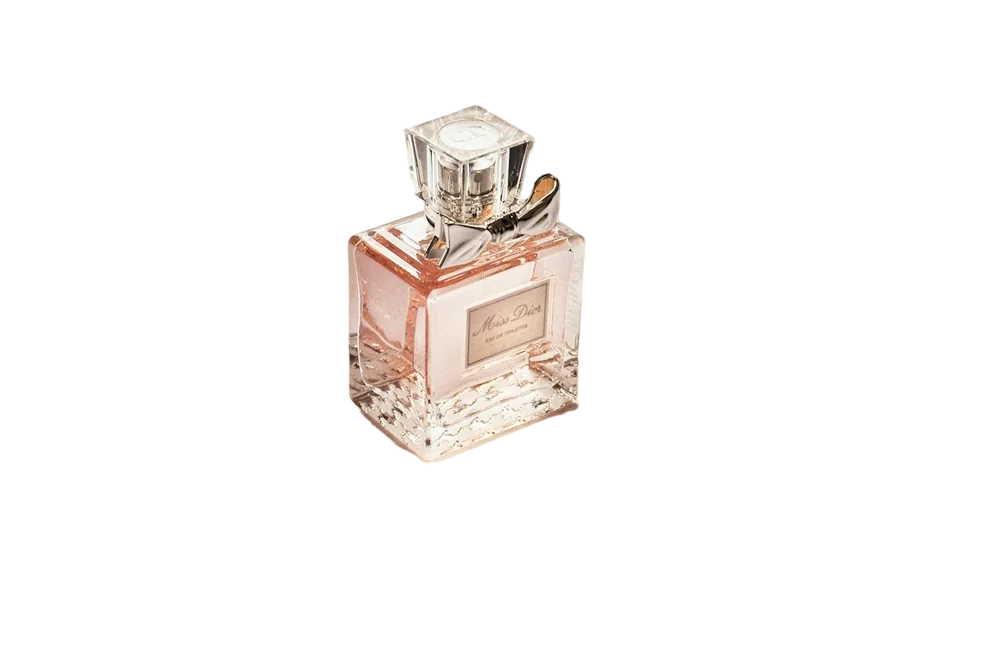
Short answer: traditional resizing stretches pixels and blurs them. AI upscalers like Real-ESRGAN were trained on pairs of low- and high-resolution images, so they predict realistic detail as they enlarge. Use 2× for photos that are slightly too small and 4× for thumbnails, icons and old pictures.
How AI upscaling works
A super-resolution network looks at patterns in small patches of the image — edges, textures, text — and generates the pixels that most likely belong between them. Real-ESRGAN was trained with realistic degradations (blur, noise, JPEG artefacts), so it also cleans up compression blocks.
2× or 4×?
- 2×: best for photos you need a bit bigger. Very natural results.
- 4×: best for tiny images, logos and icons. Can look slightly painterly on faces.
Upscale + remove background
Small images give the background remover less detail to work with. For tiny product shots or logos, upscale first, then remove the background. The upscaler also keeps transparency if you upscale a PNG cut-out afterwards.


